Core Switches
Eclipse Switch
Eclipse push button switch
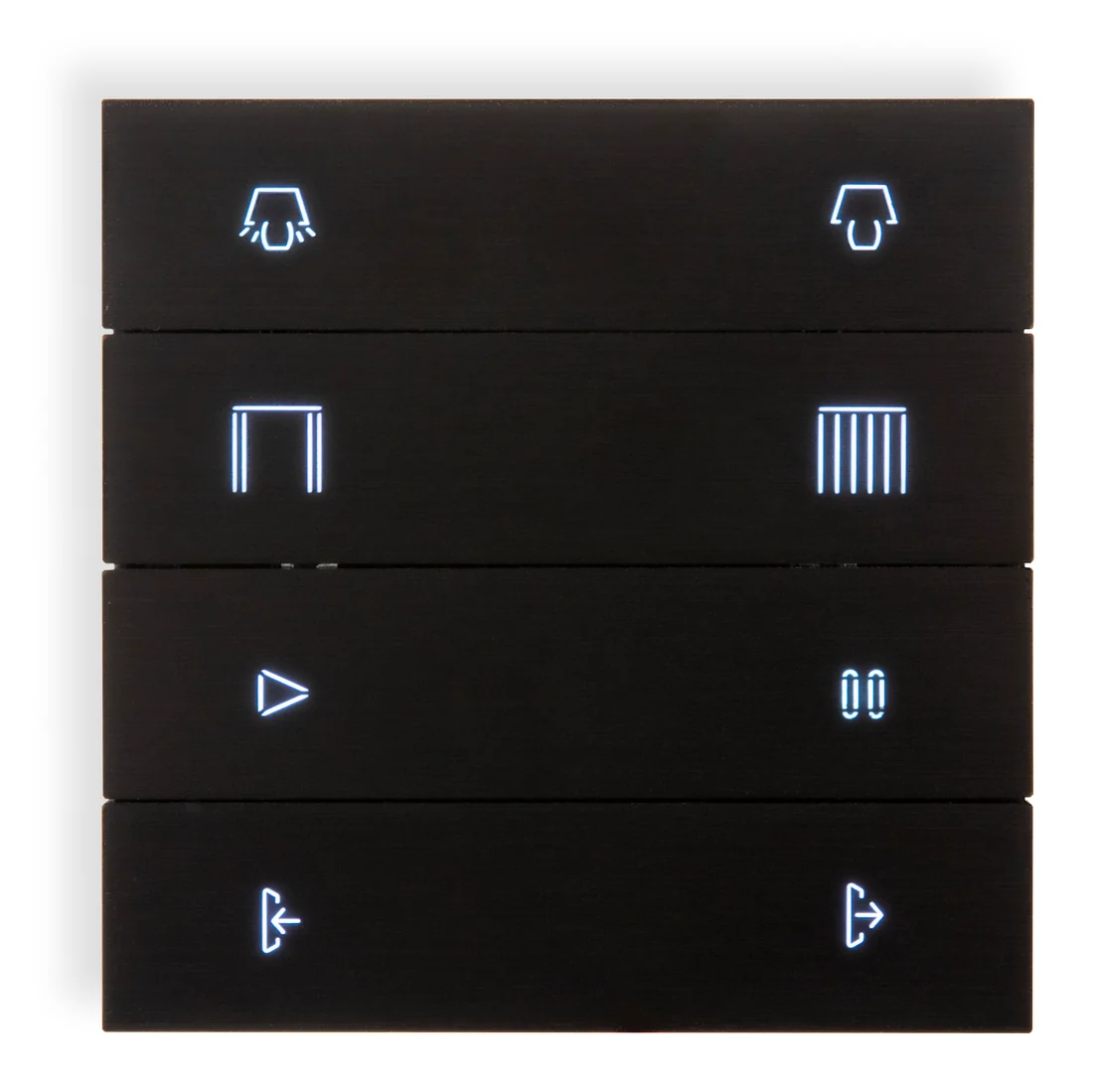
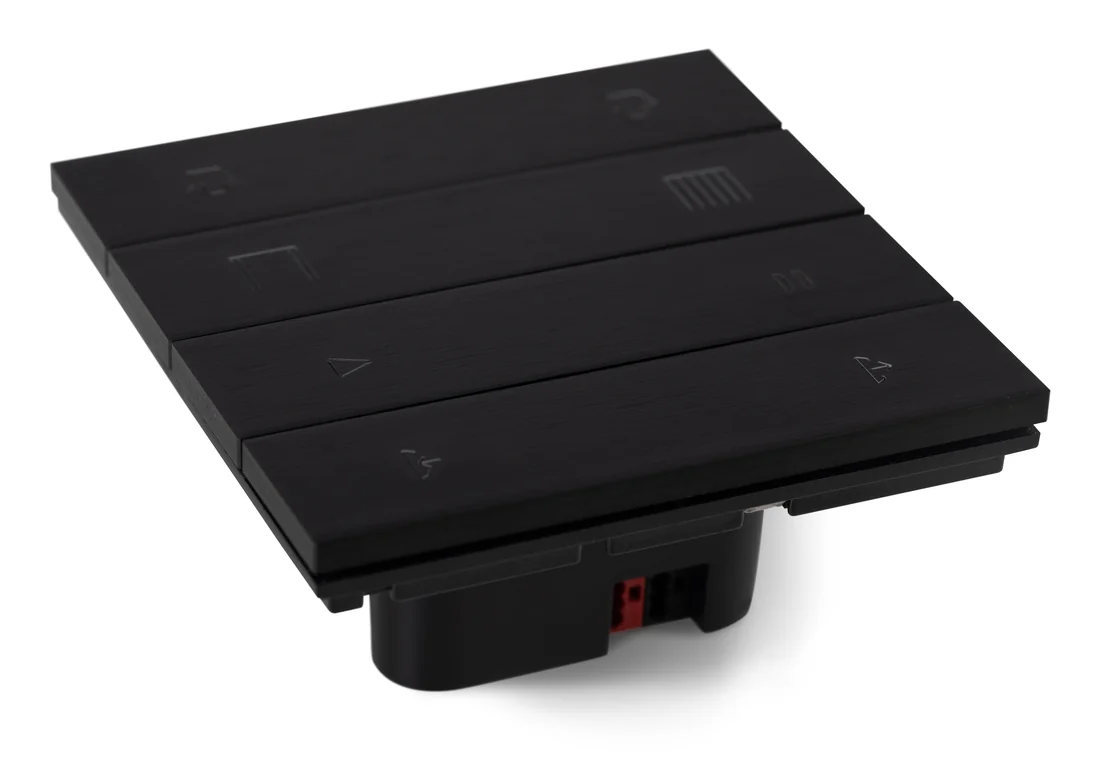
A KNX push button of metal folds, with backlit icons or words engraved in the metal.
Finish Aluminium black
Ten finishes: four brushed metals and six silky-matte colours. Pick the number of folds below.
Folds 4
No price on this page. Your bill prices it with your villa, in the finish you pick.
No brand photo yet
No brand photo yet
No brand photo yet
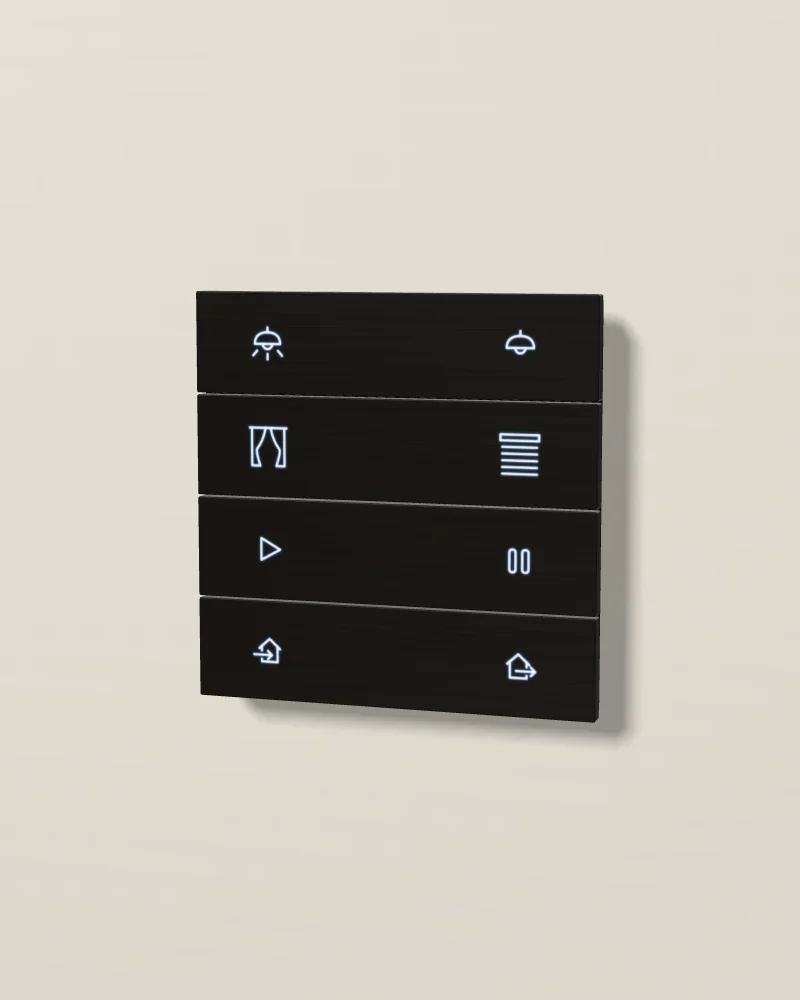
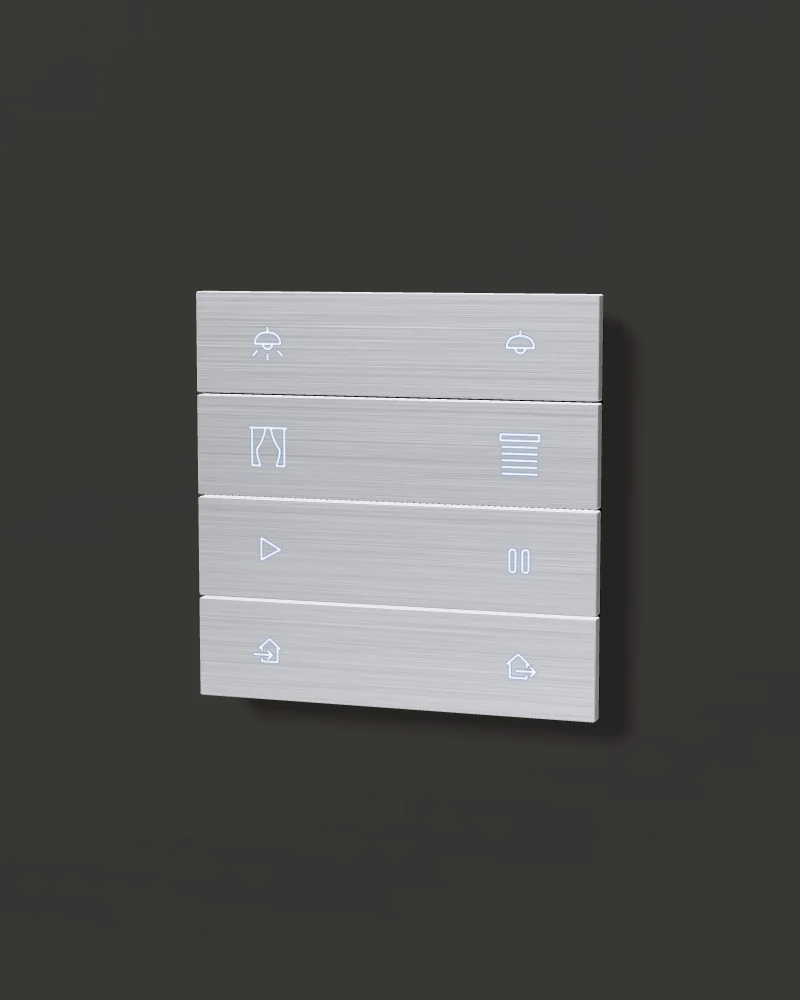
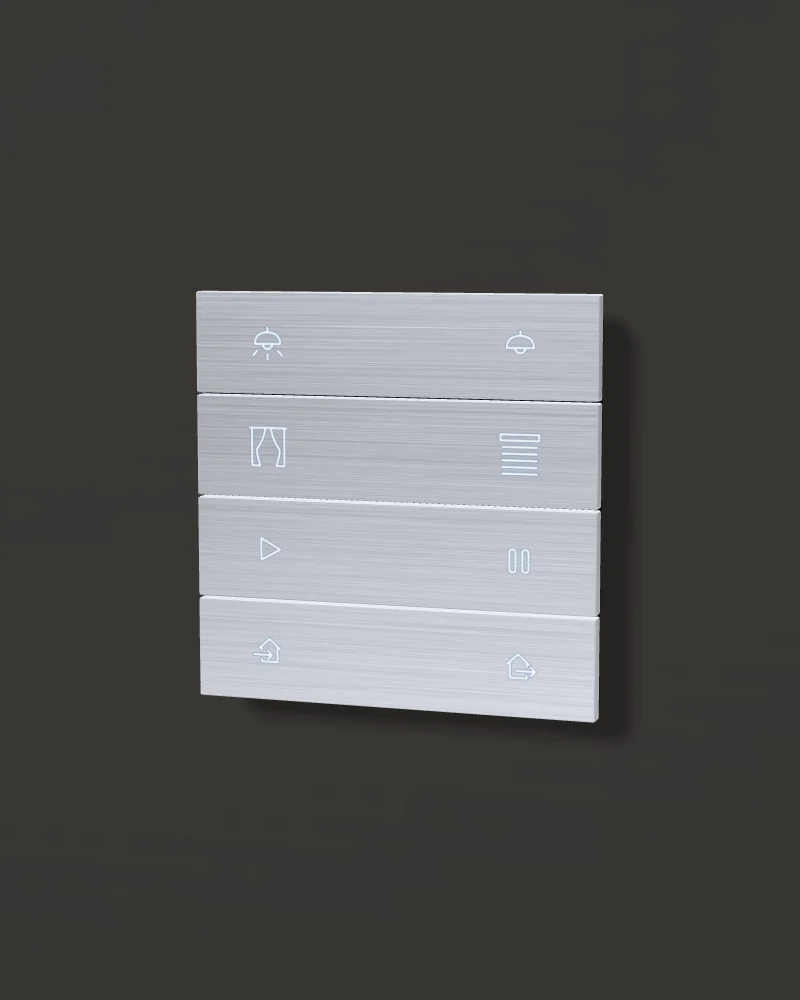
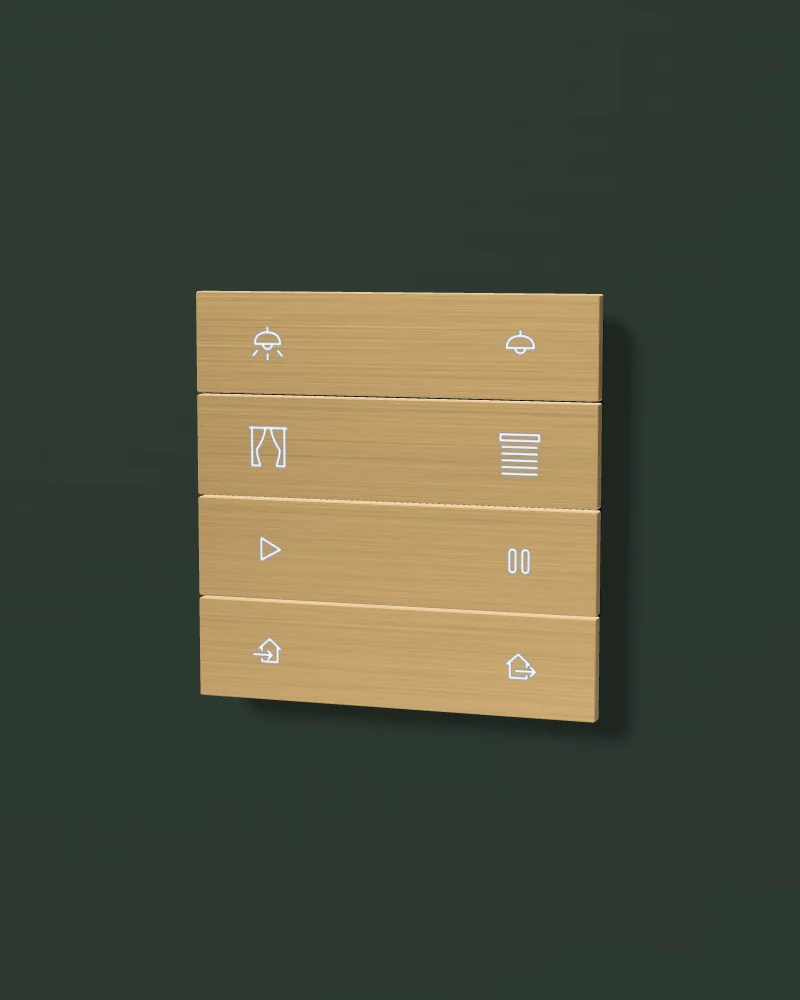
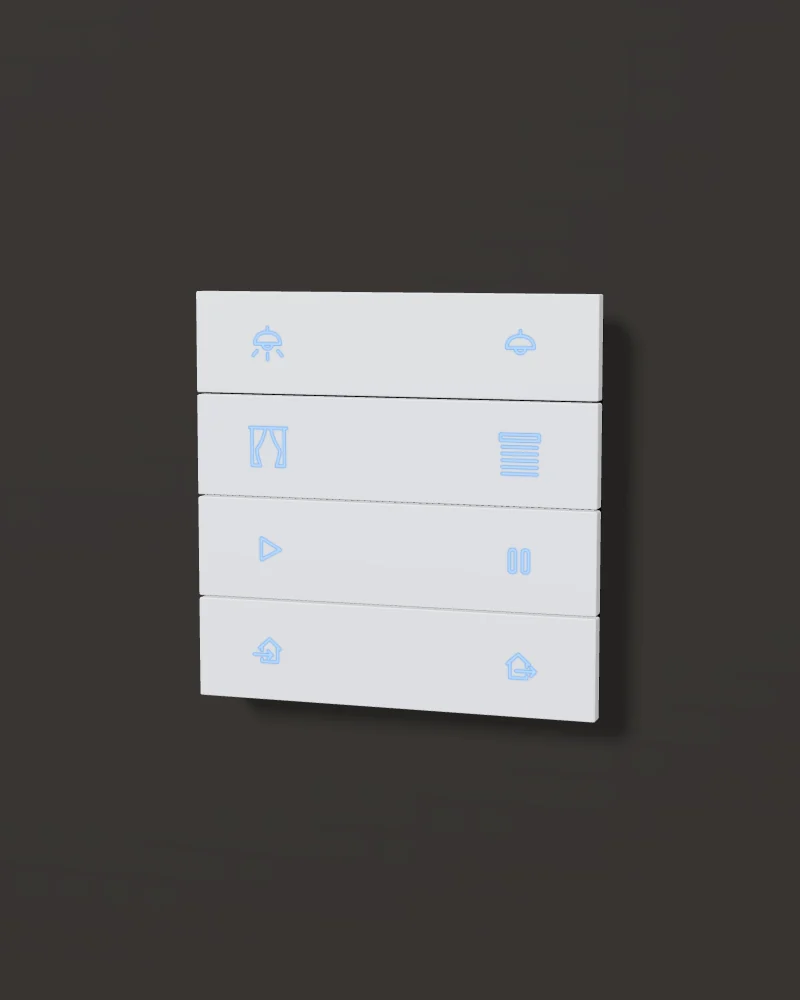
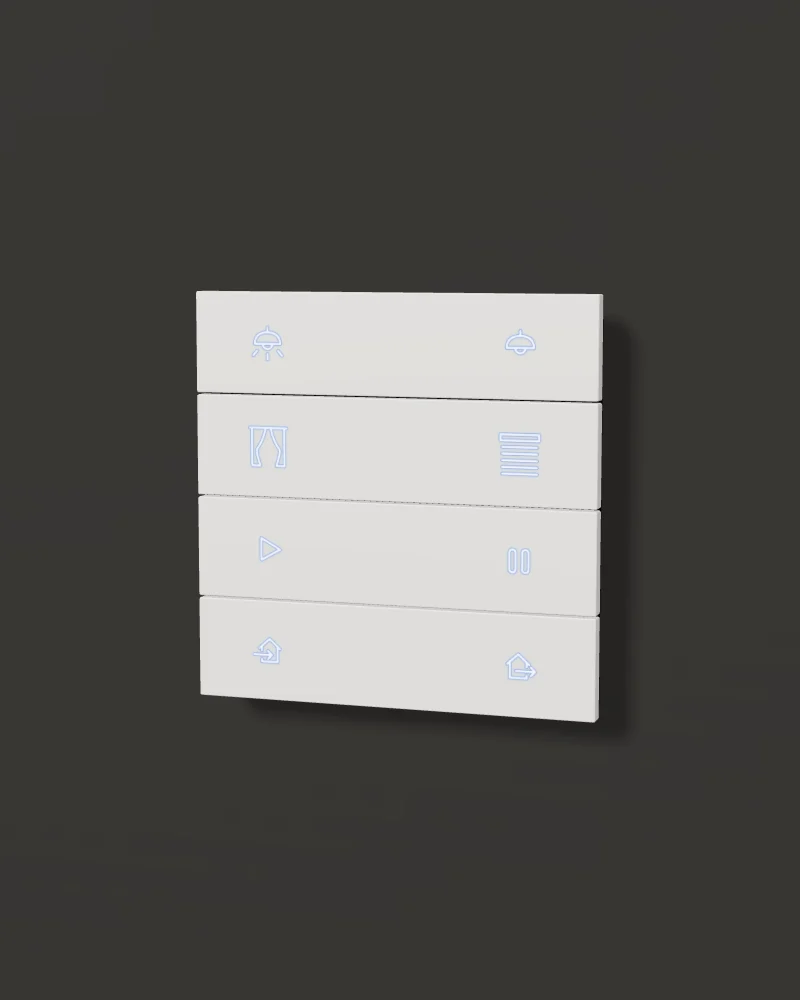
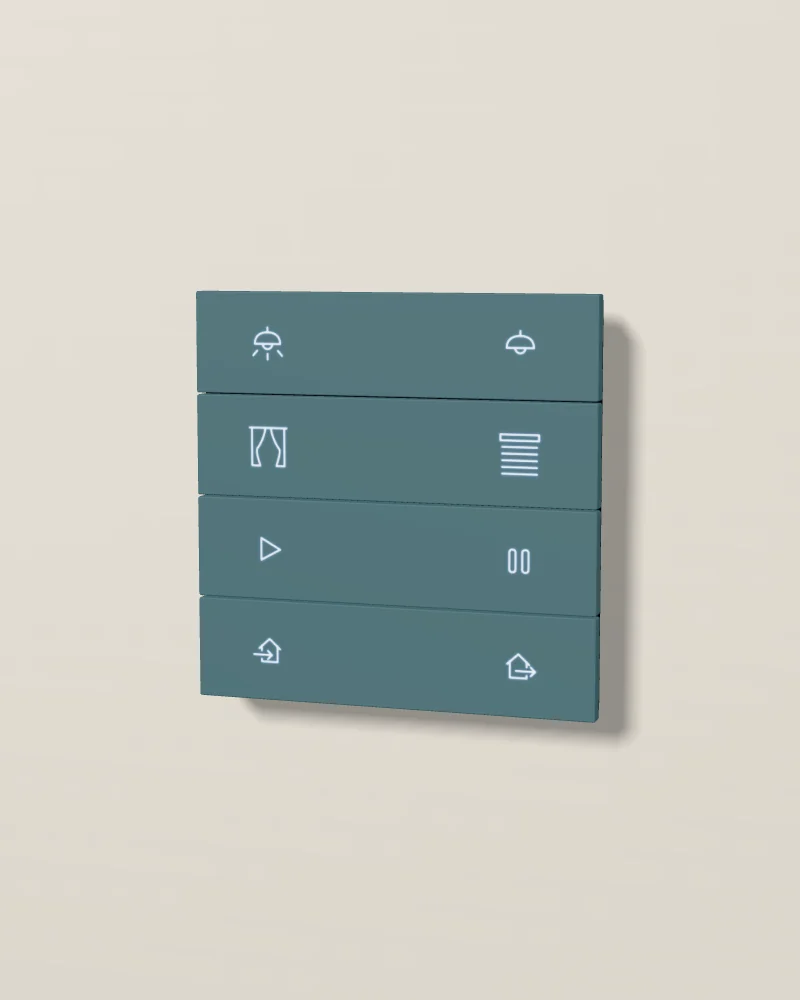
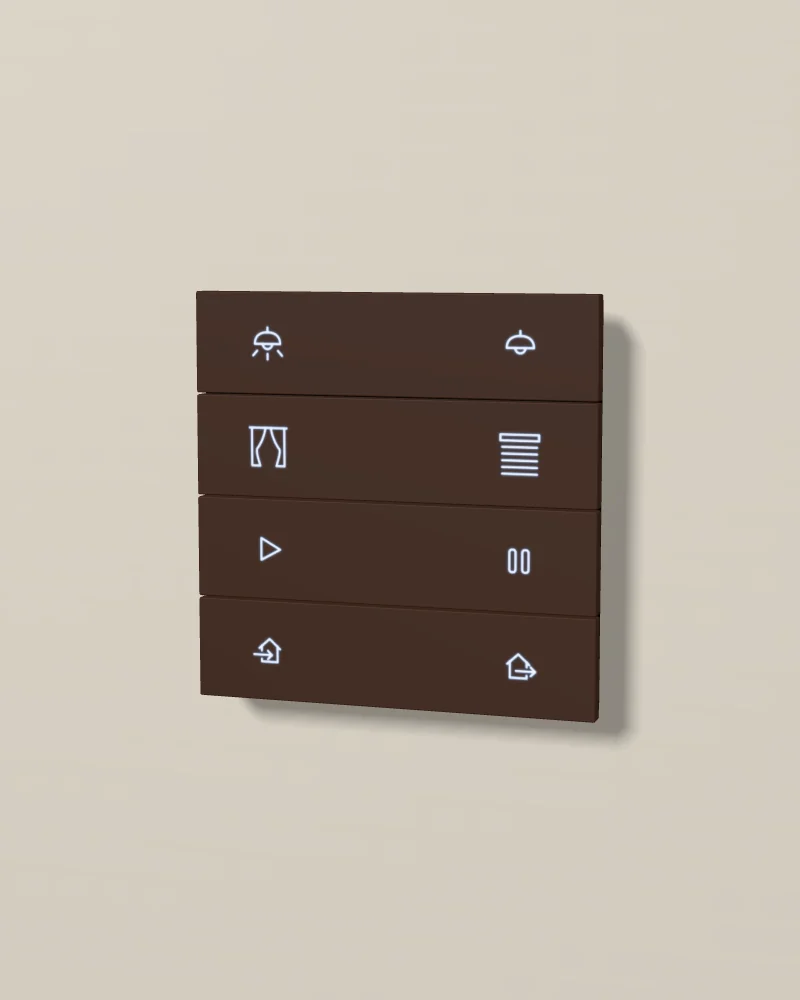
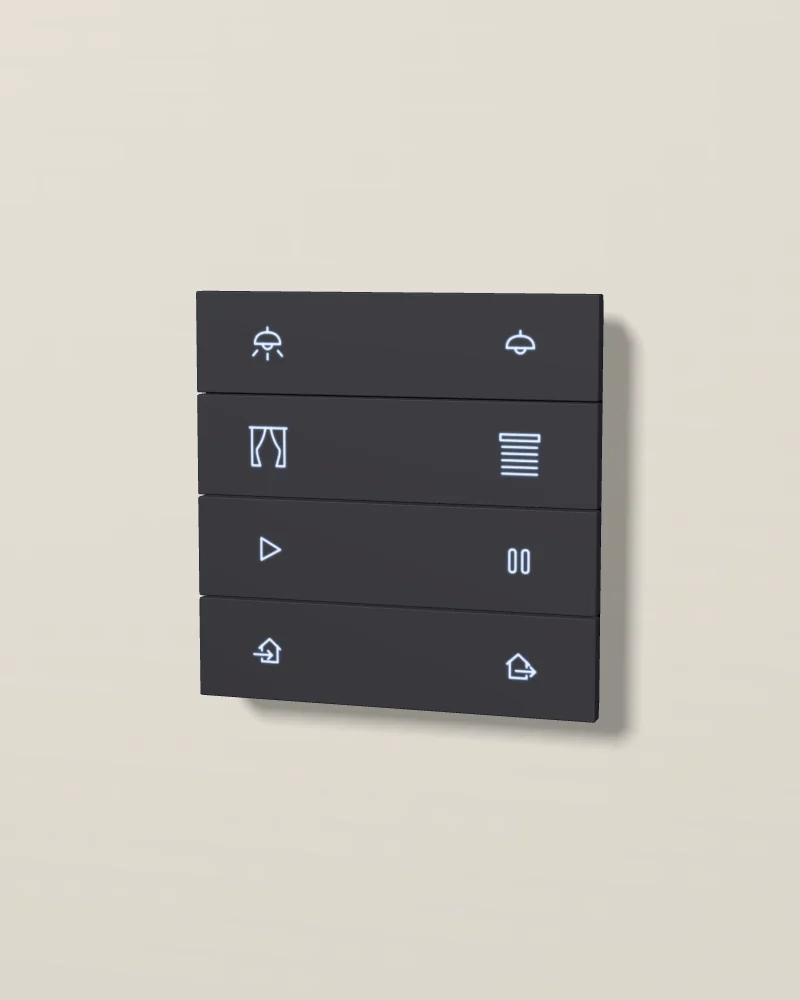
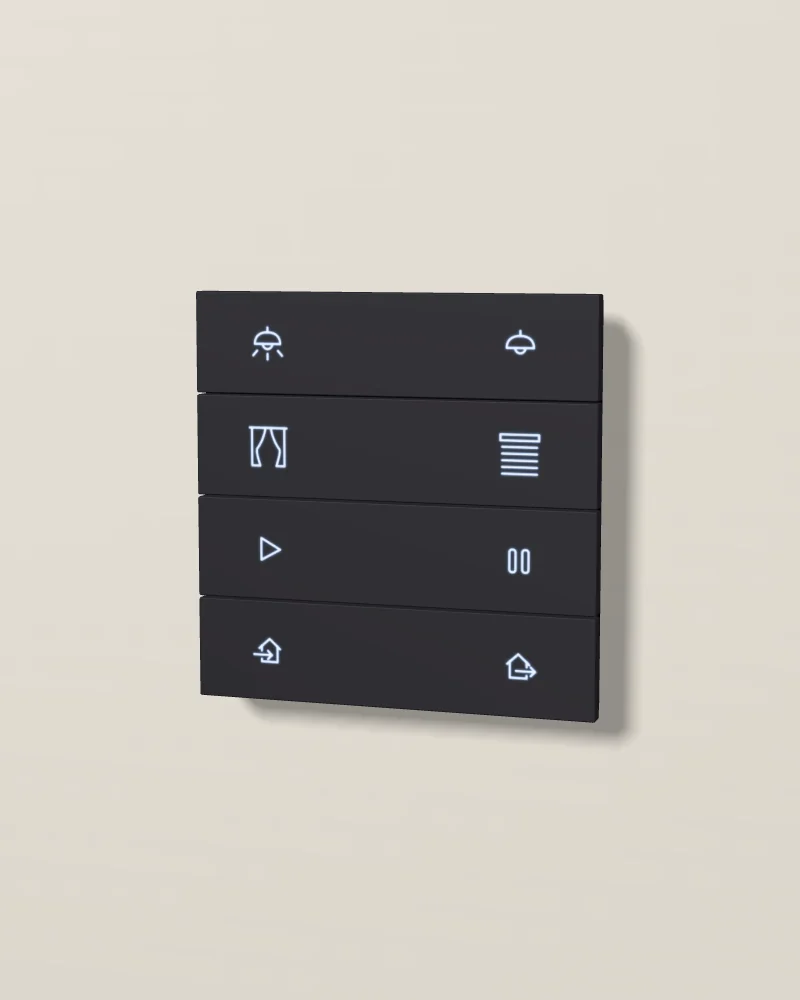
No photo of this finish yet. No photo of this one yet. Our 3D model. Drag to turn it; double-click to put it back.
Core's photo, 1 of 3: aluminium black, from the front.
- Folds1, 2 or 4 metal folds
- IconsBacklit icons or words, engraved in the metal
- SensorsTemperature, humidity, CO2 and proximity sensors
- ConnectionKNX, powered by the bus
Design and materials
A KNX push button made of metal folds, in 1, 2 or 4 folds. You choose an icon or a word of up to 10 letters for each button in Core's online planner, and Core engraves it into the metal and lights it from behind in any colour. The backlight follows the room light, and a proximity sensor lights the icons when someone comes near. It also measures the temperature, the humidity and the CO2 of the room, and it has a thermostat of its own.
No brand photo yet

Brushed metal or silky matte
Four brushed finishes: aluminium in grey or black, brass and stainless steel. Six silky-matte finishes: aluminium painted in several layers and sealed, for a soft feel.
Icons engraved in the metal
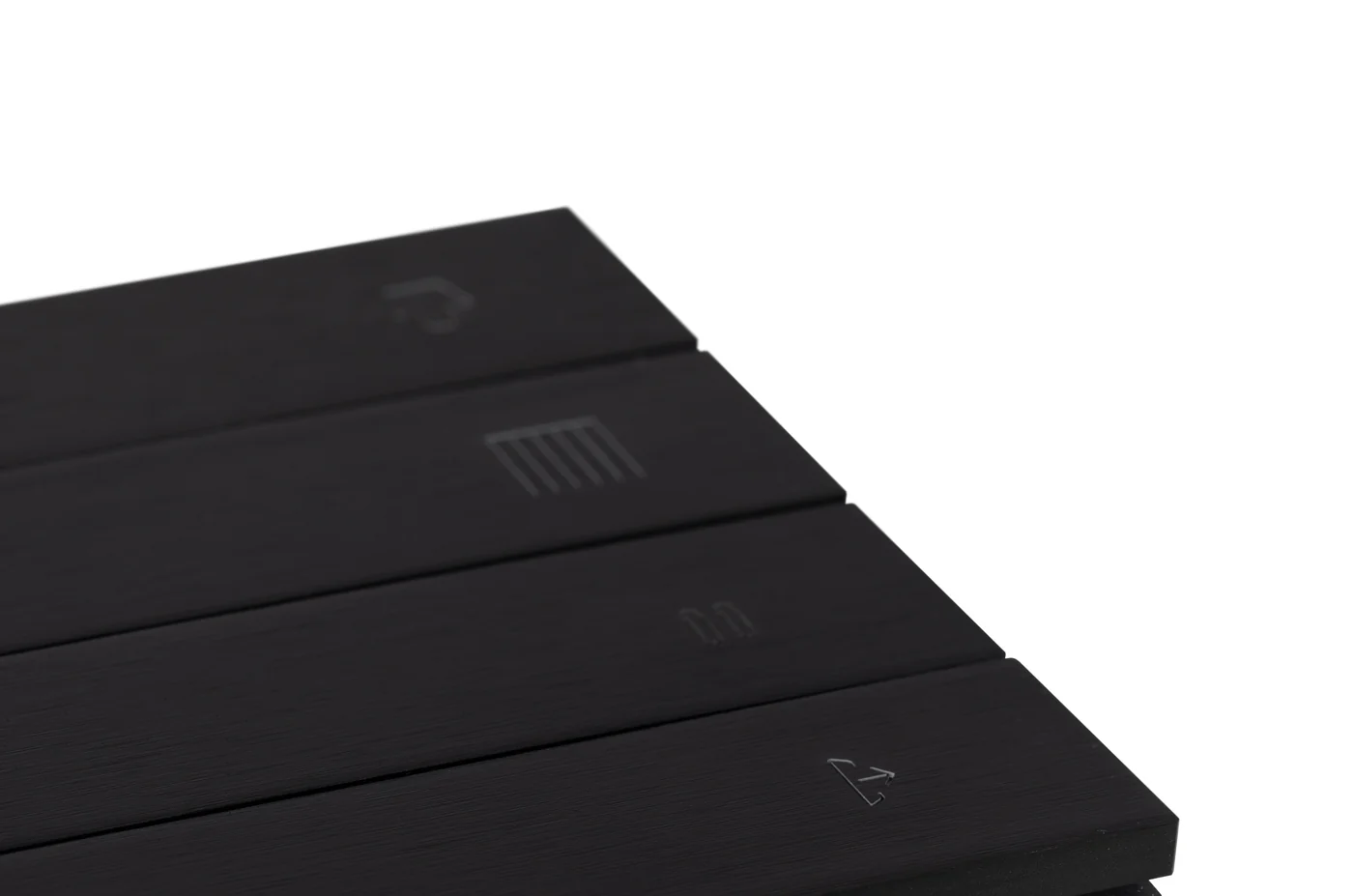
Each icon or word is engraved in the fold and lit from behind, in any colour. You design them in Core's online planner.
It measures the air
It measures the CO2 of the room as well as the temperature and the humidity, and it can start KNX functions from them.
Where it goes
By the door of each room, on the latch side, at 1.2 m to the centre. It fits a standard in-wall box (IEC/EN 60670).
Specifications
01Display and system
- Model
- Eclipse push button switch
- Controls
- 1, 2 or 4 metal folds; Core's photos show two buttons on each fold
- Labels
- An icon (50 to choose from) or up to 10 letters for each button, engraved in the metal; designed in Core's online planner
- Backlight
- RGB, colour set in ETS; it adapts to the room light, and the proximity sensor lights the icons
- Thermostat
- Built in, from its own temperature and humidity sensors
02Intercom and sensors
- Sensors
- Temperature (±0.2 °C), humidity (±2 %), CO2, proximity and light
03Connections
- Connection
- KNX TP; 30 V DC from the KNX bus, under 12 mA; programmed in ETS
04Mounting and size
- Mounting
- In-wall box to IEC/EN 60670
- Size
- 86 × 86 × 11 mm
- Body
- Aluminium, brass or stainless steel, by finish
- Rating
- 0 to 45 °C; up to 95 % relative humidity, not condensing
- Finish names
- Brushed: aluminium black (ALB), aluminium grey (ALG), stainless steel (SST), brass (BRA). Silky matte: glacier white (GLW), sand beige (SBE), verdant (VRD), cacao grey (CCG), titanium grey (TTG), obsidian black (OBL). The names come from Core's catalogues and the codes from Core's media pack; the match of name to code is ours to confirm
05Finishes
- Finish 1
 Aluminium black
- Finish 2
 Aluminium grey
- Finish 3
 Stainless steel
- Finish 4
- Brass
- Finish 5
 Glacier white
- Finish 6
 Sand beige
- Finish 7
 Verdant
- Finish 8
 Cacao grey
- Finish 9
 Titanium grey
- Finish 10
 Obsidian black
Sources: Core's datasheet for the Eclipse push button switch (version 2.1), its Eclipse switch page and its catalogues (core.com.tr), read on 15 October 2026.
Works with
The rest of the Core range on our page.
- 01
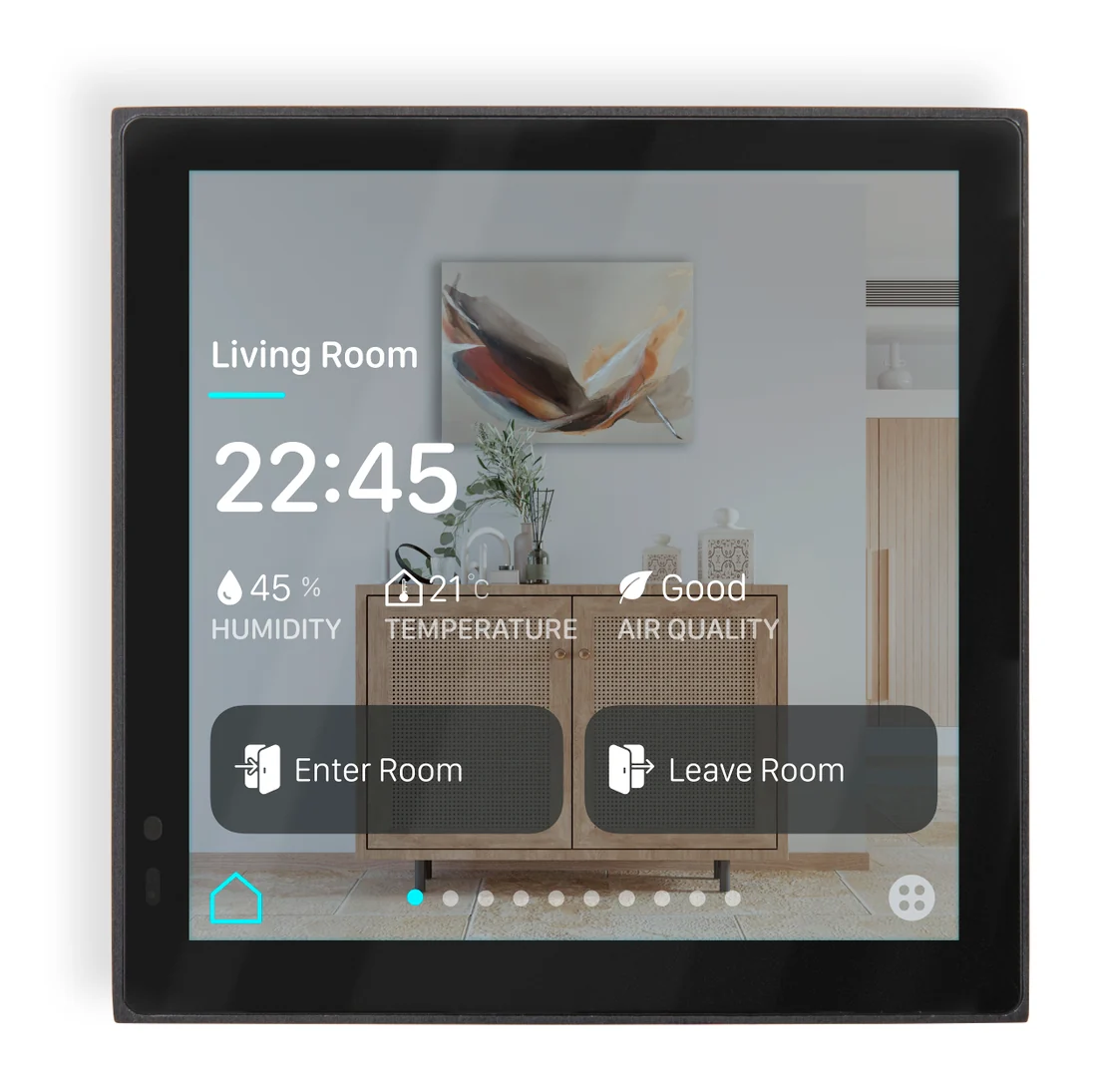 Room controllersEclipse 4A 4-inch screen that does the work of the switches and the thermostat in one room.
 - 02
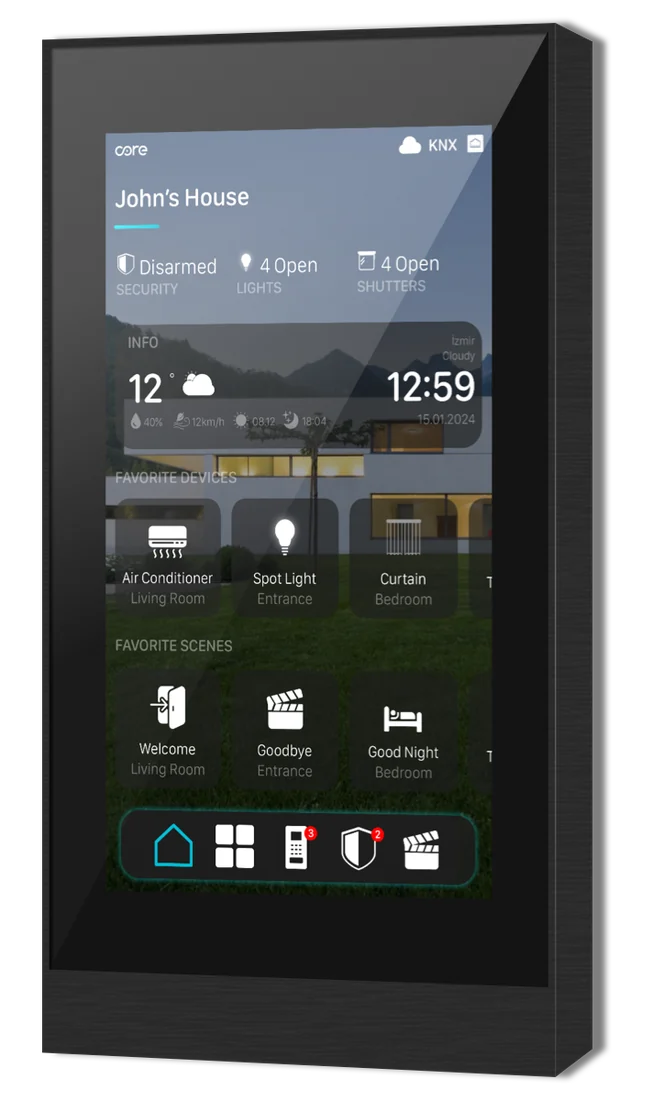 Room controllersEclipse 5A 5-inch touch panel that runs the KNX system, with the intercom built in.
 - 03
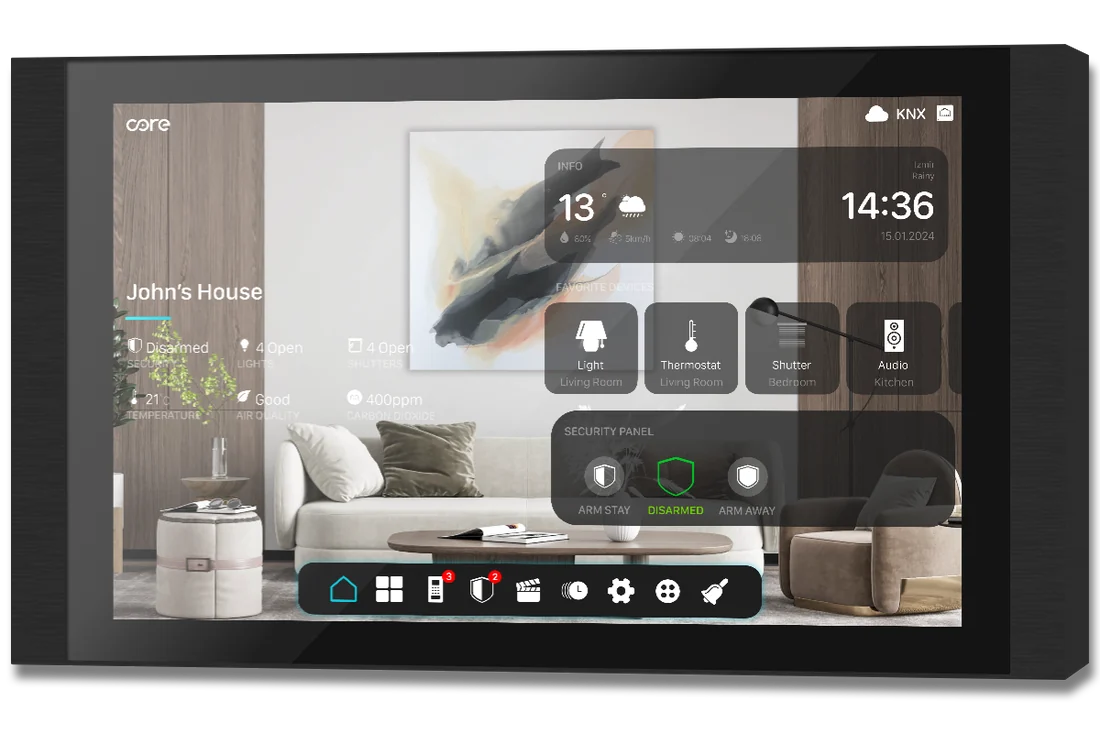 Whole home controllersEclipse 10A 10-inch touch panel that runs the KNX system, with the intercom built in.
 - 04
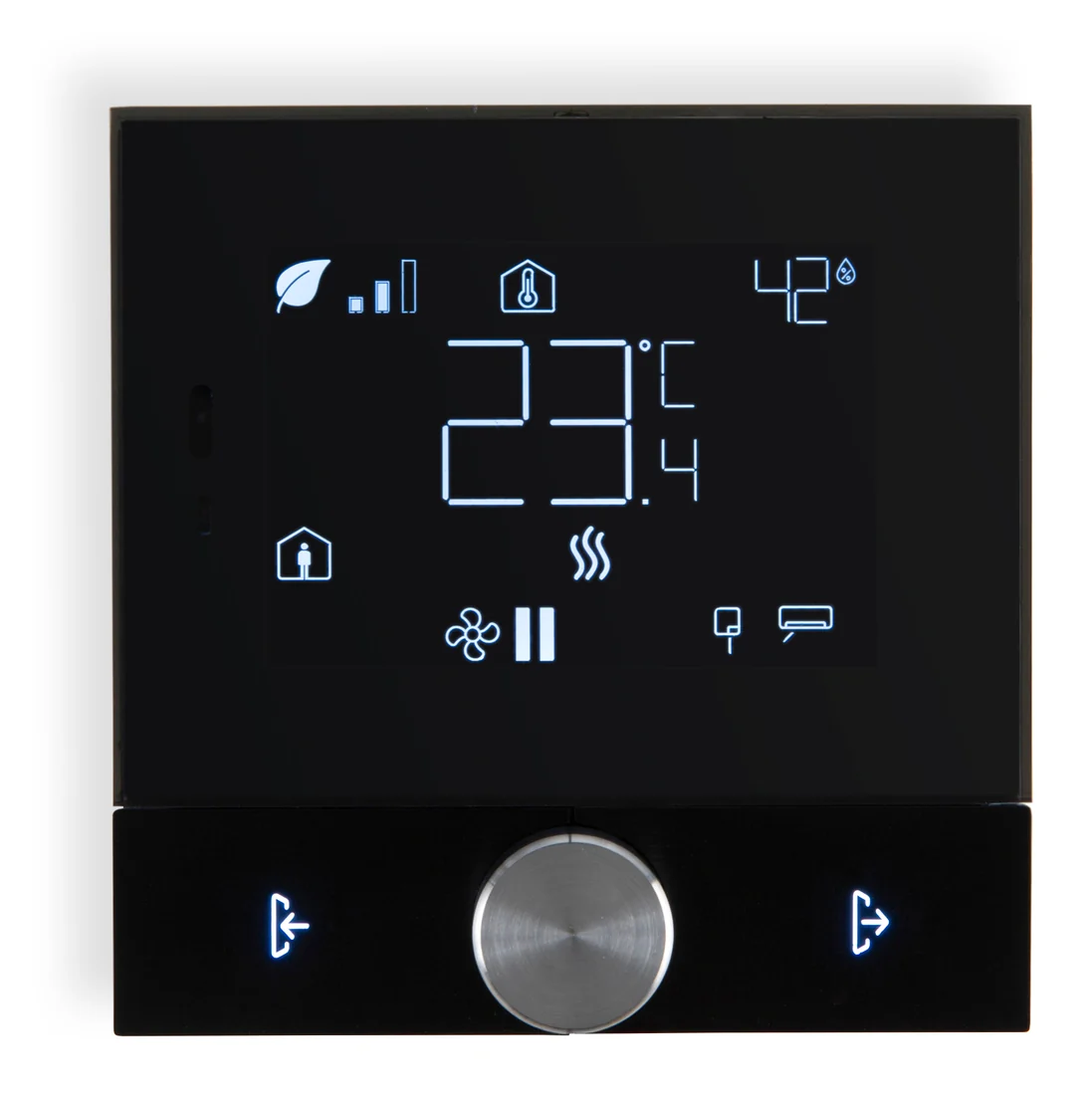 ThermostatsEclipse ThermostatA KNX thermostat with a 3.5-inch display, one knob and two backlit buttons.
 - 05
 SocketsEclipse SocketA UK socket in a metal frame, in the same finishes as the Eclipse switches.