Core Room controllers
Eclipse 4
Eclipse Room Controller, 4-inch
A 4-inch screen that does the work of the switches and the thermostat in one room.
Finish Aluminium black
Ten finishes for the metal body: four brushed metals and six silky-matte colours.
No price on this page. Your bill prices it with your villa, in the finish you pick.
No brand photo yet
No brand photo yet
No brand photo yet
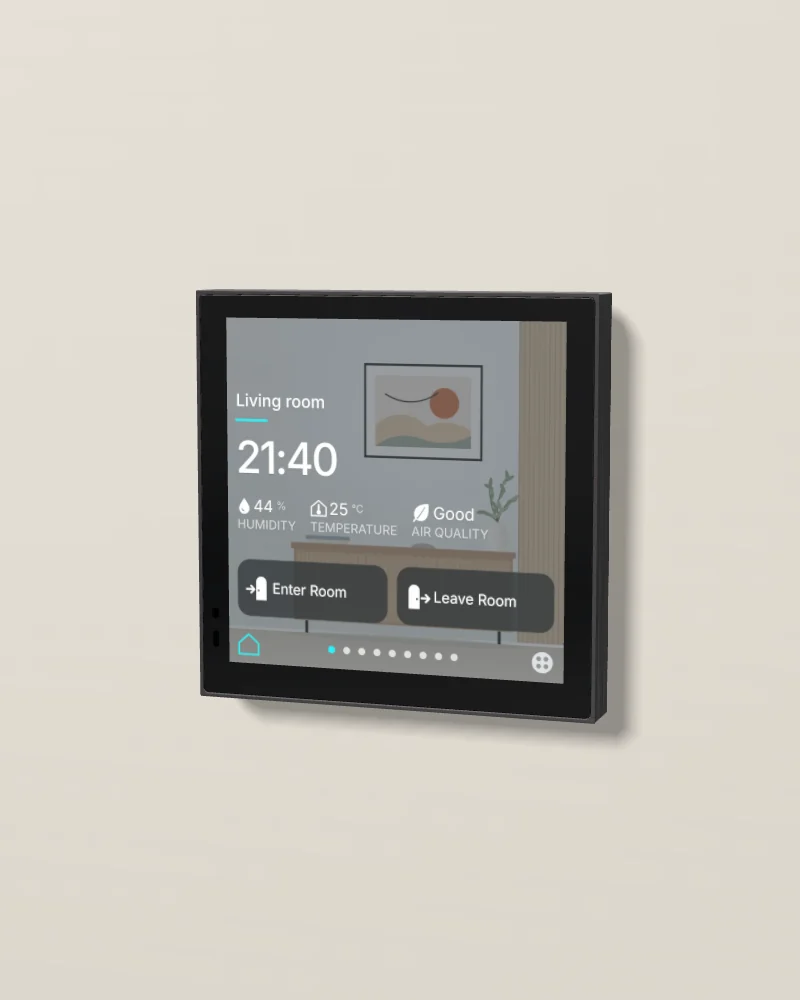
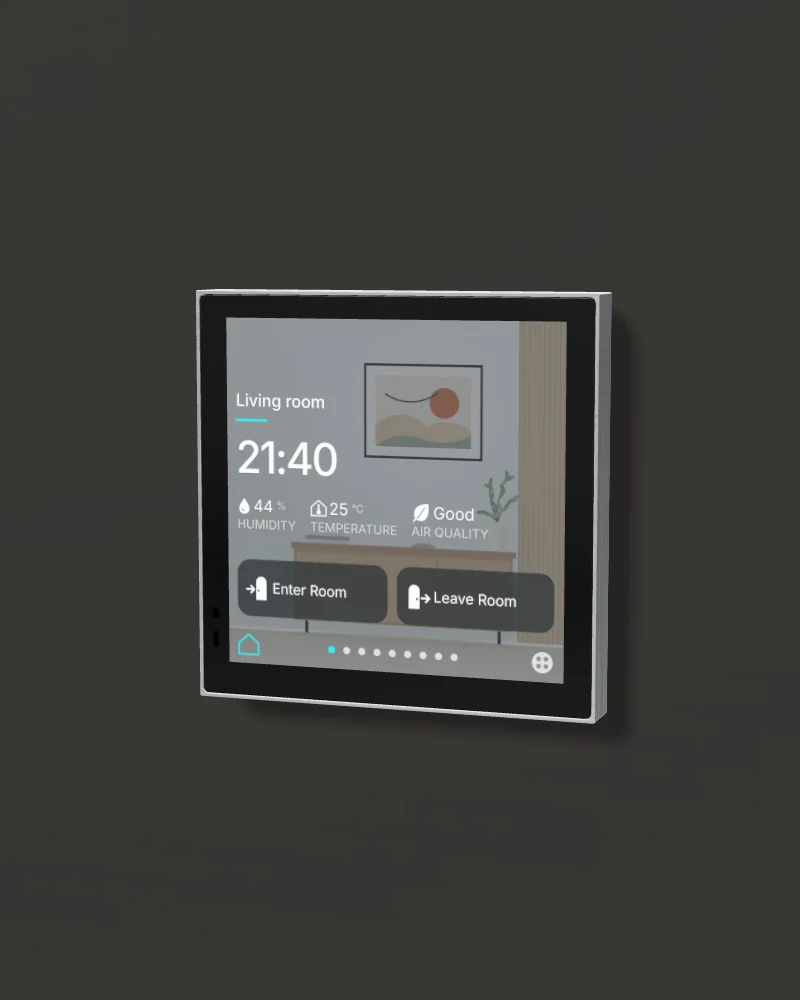
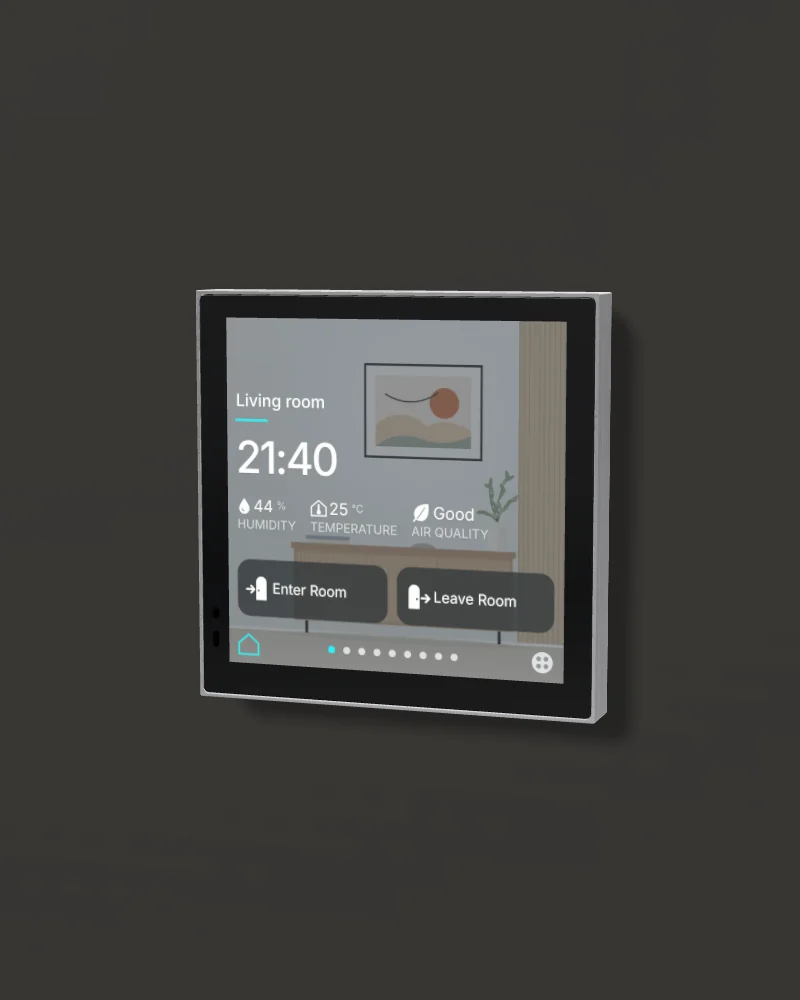
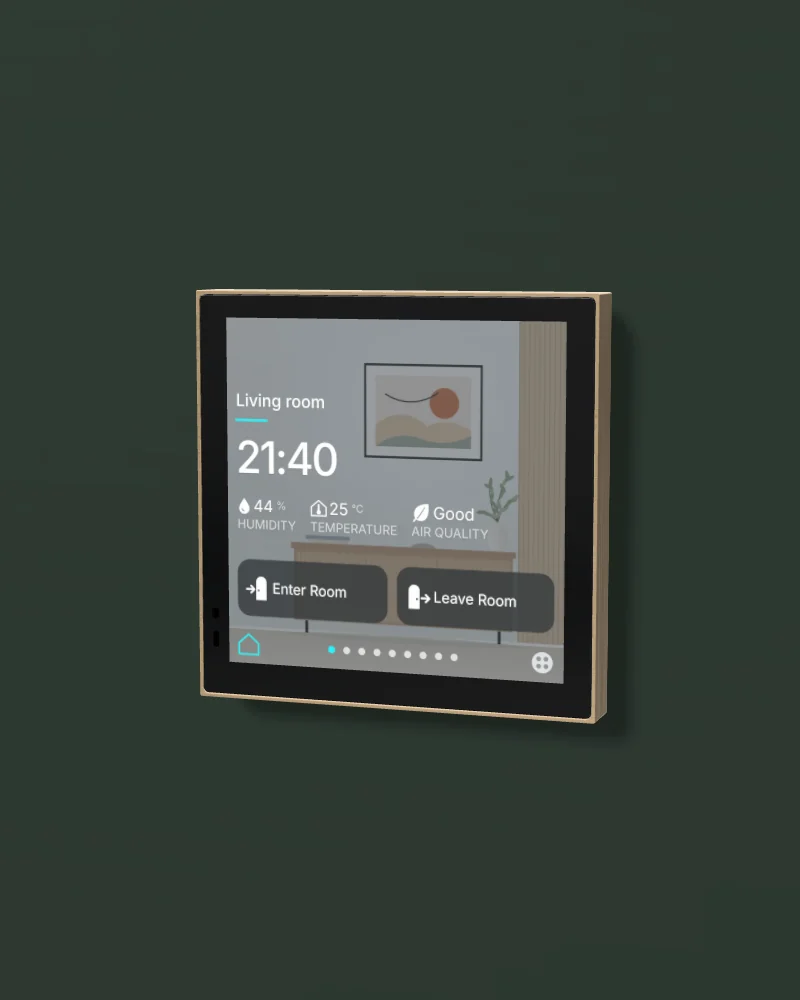
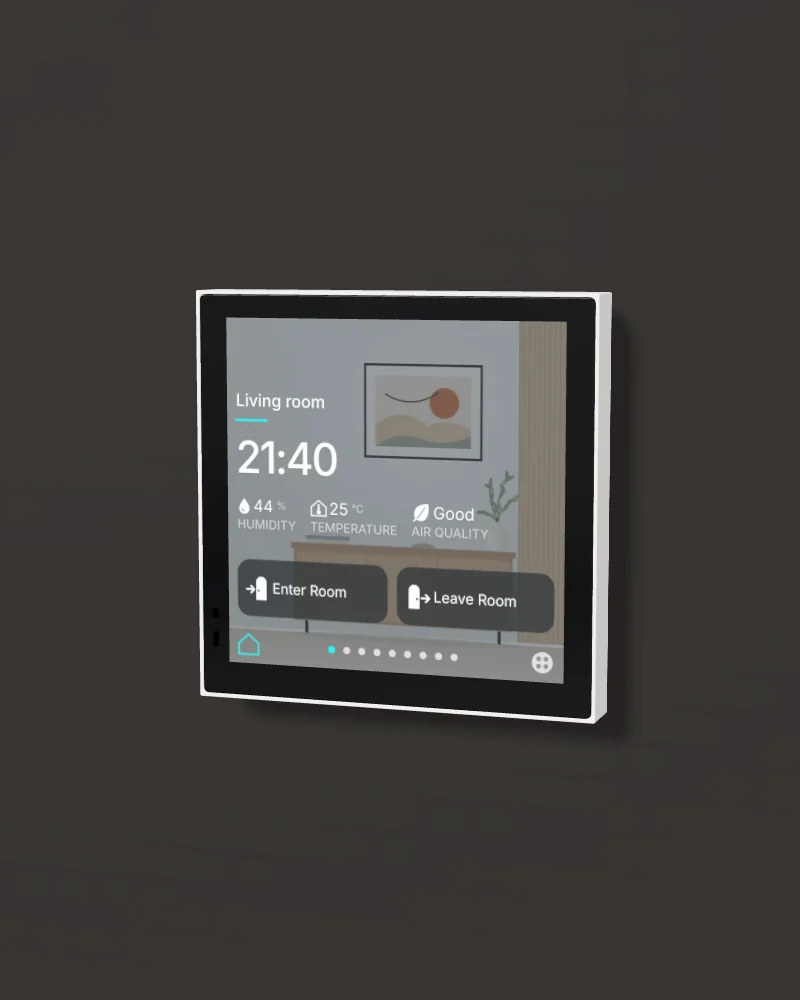
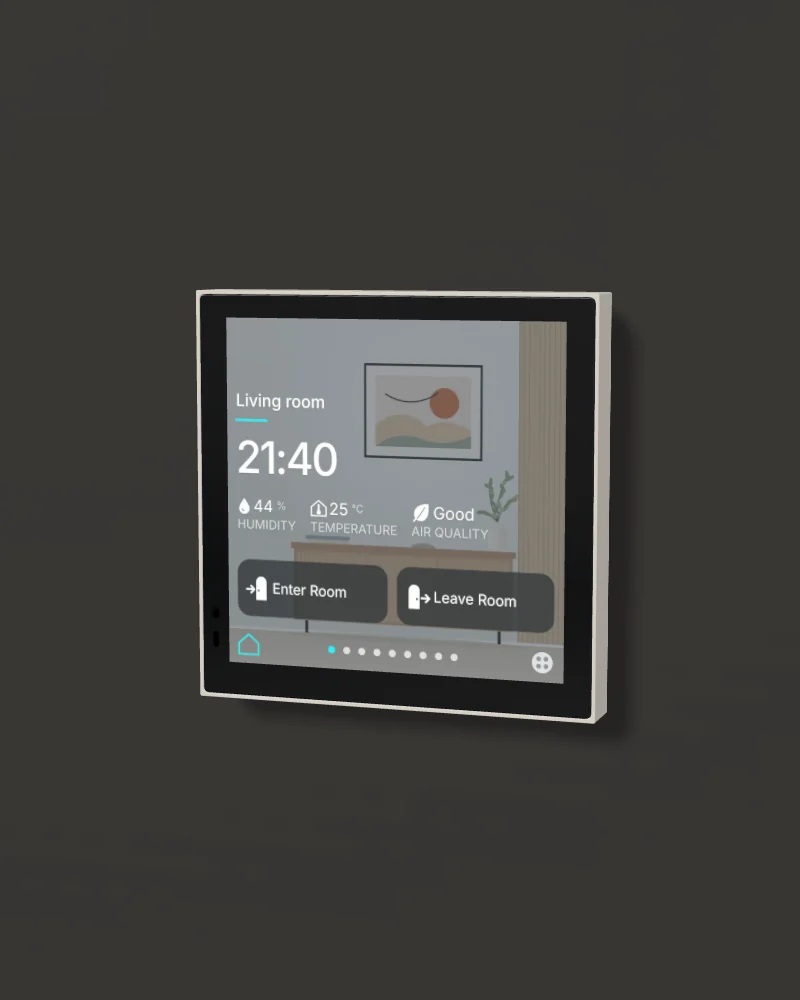
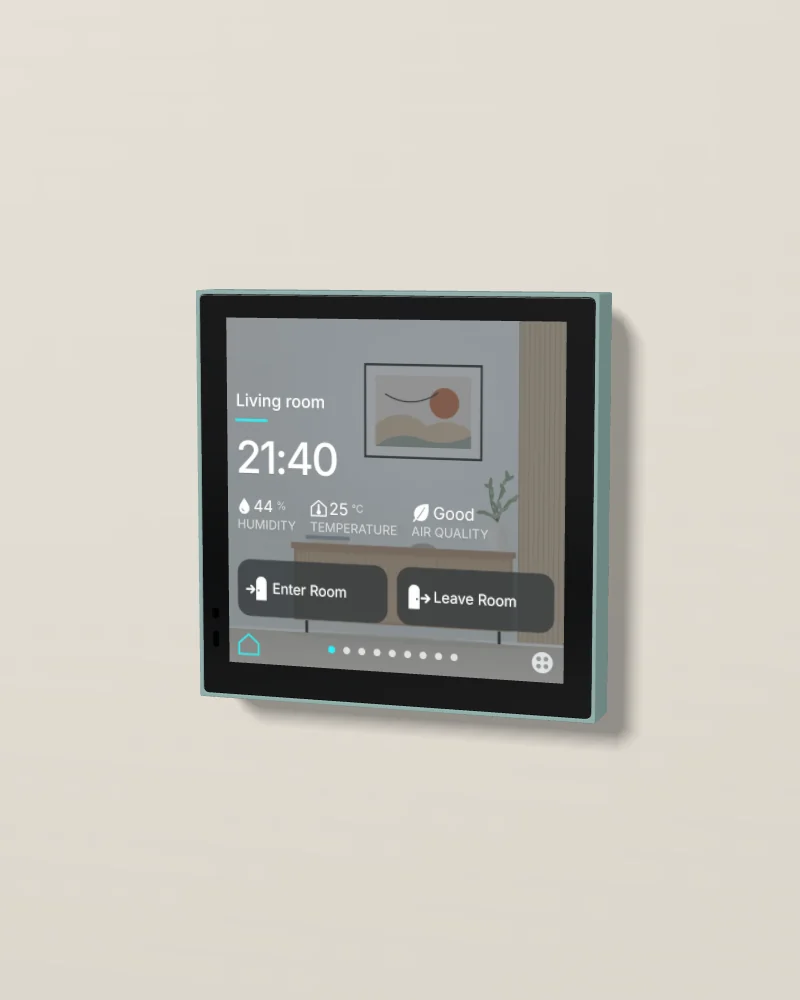
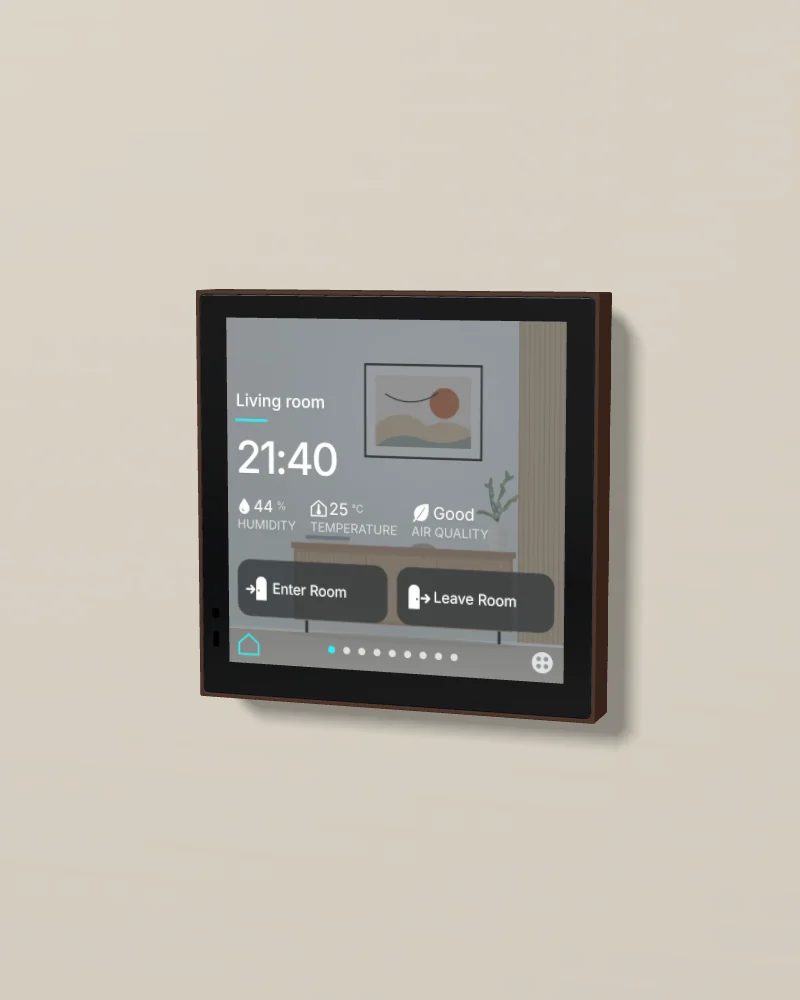
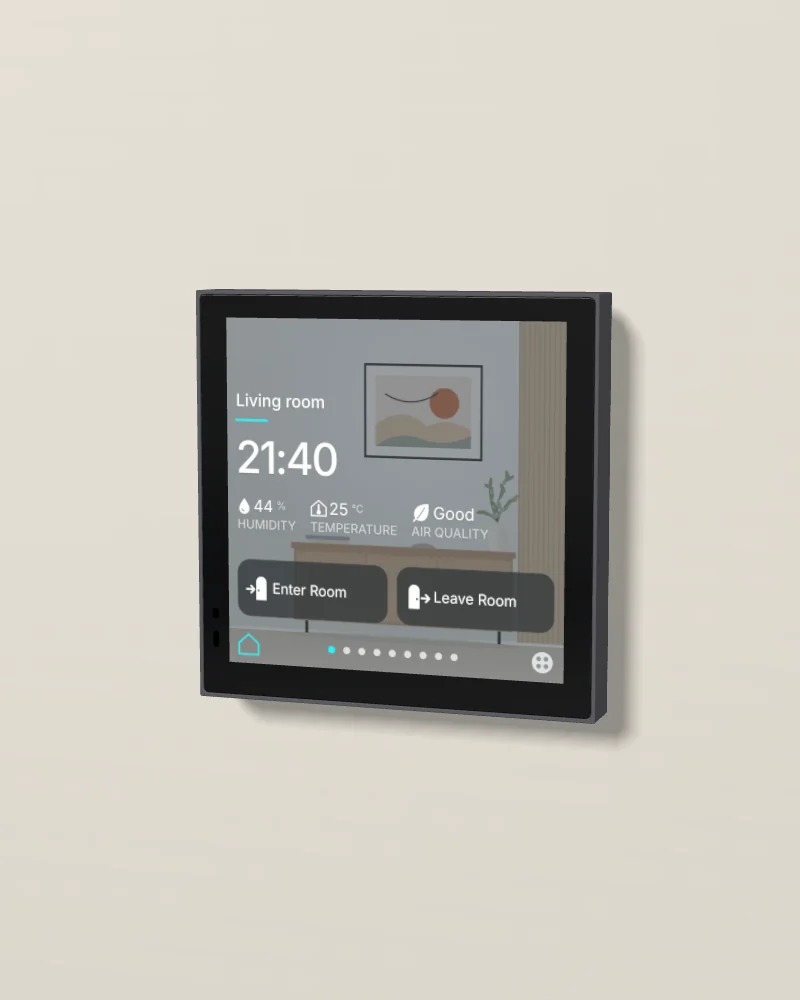
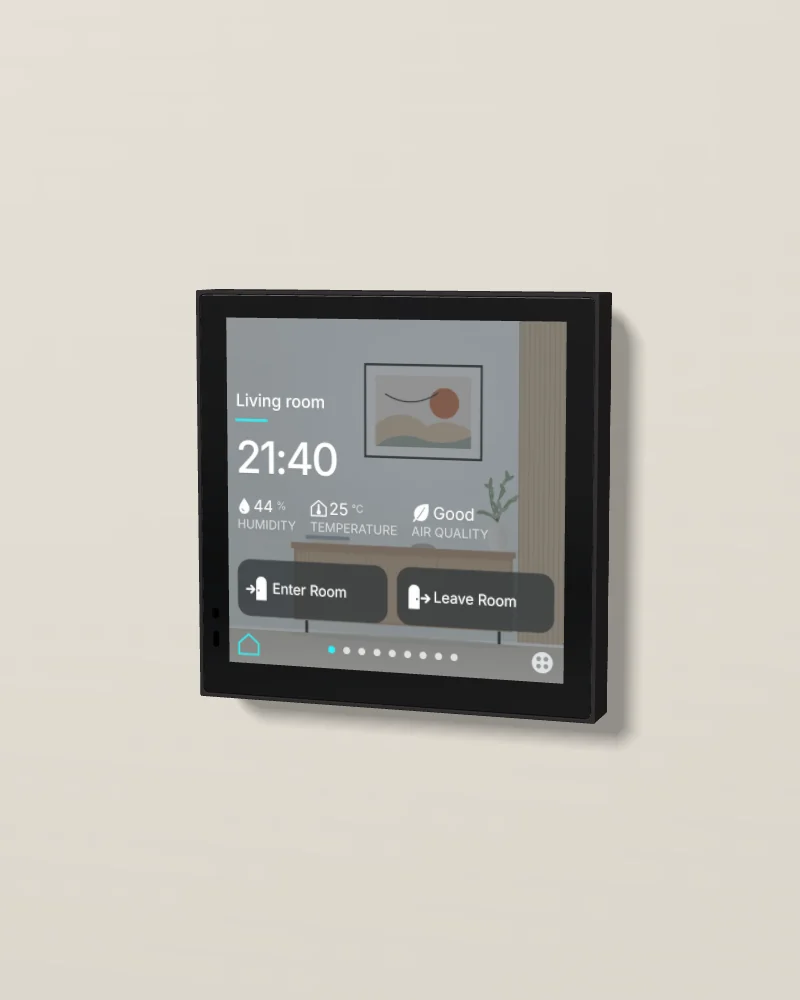
No photo of this finish yet. Our 3D model. Drag to turn it; double-click to put it back.
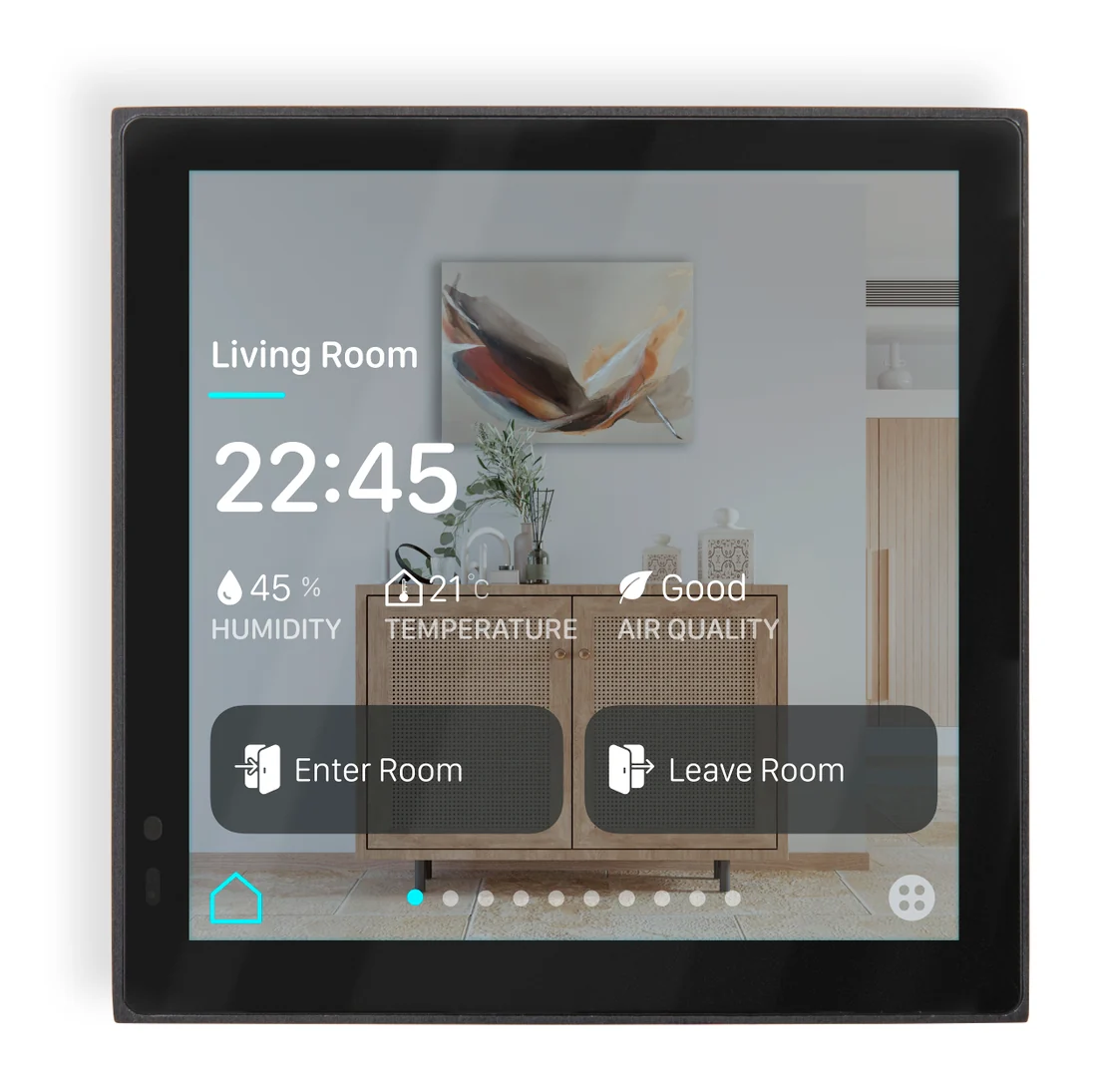
Core's photo, 1 of 3: aluminium black, from the front.
- Screen4-inch screen, 720 × 720
- ControlsUp to 12 pages and 64 controls
- SensorsTemperature, humidity and CO2 sensors
- ConnectionKNX, programmed in ETS
Design and materials
Core's room controller: one 4-inch screen in place of the switches, the thermostat and the other controls on the wall of a room. It has up to 12 pages and 64 controls: lights and dimmers, RGB and tunable white, blinds and curtains, scenes, the thermostat and the air conditioning, audio, an energy display and the air quality. It measures the temperature, the humidity and the CO2 of the room, and a proximity sensor wakes the screen when someone comes near. The body is the same metal, in the same finishes, as the Eclipse switches and thermostat.
No brand photo yet

Brushed metal or silky matte
Four brushed finishes: aluminium in grey or black, brass and stainless steel. Six silky-matte finishes: aluminium painted in several layers and sealed, for a soft feel.
Black glass on a metal body
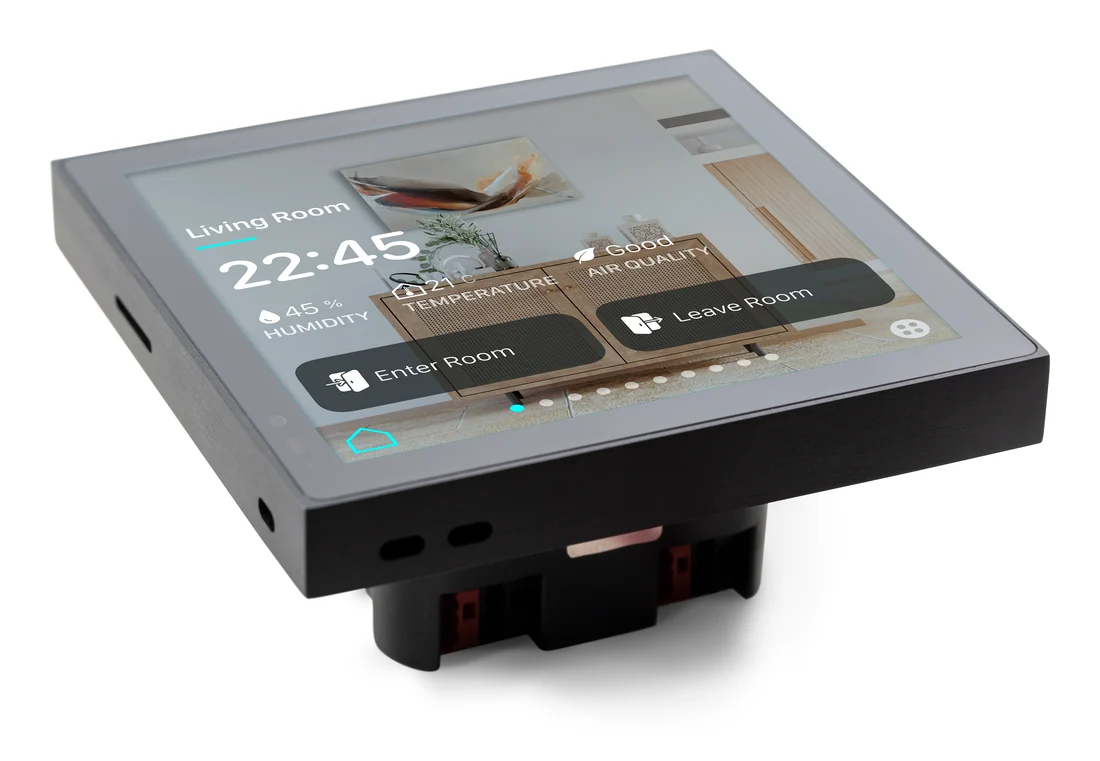
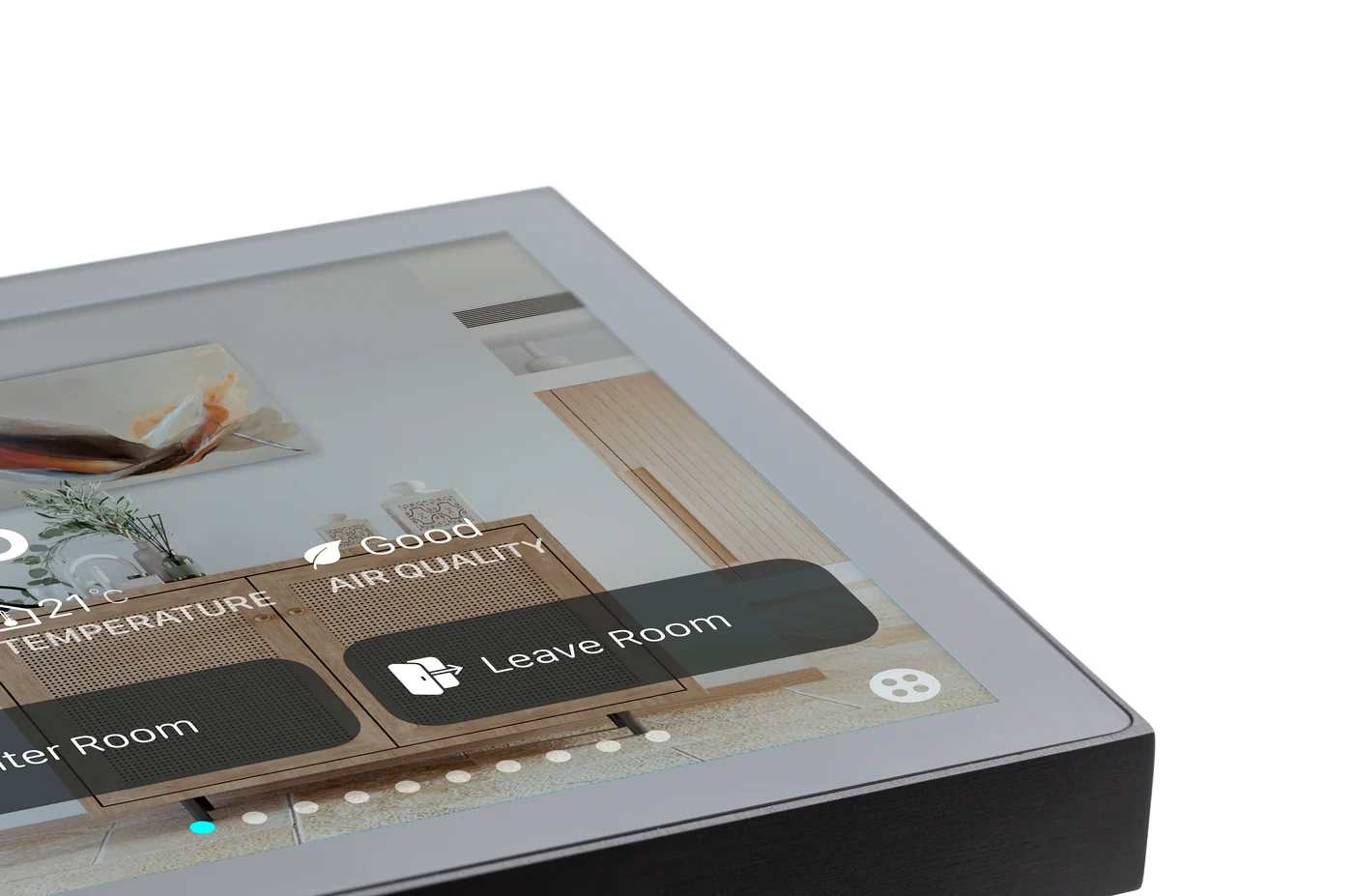
The glass covers the whole front. The finish you pick is the body around it, 11 mm deep on the wall.
The room on one screen
Swipe between the pages: the lights, the curtains, the air conditioning, the scenes, the music and the air in the room.
Where it goes
By the door of the room, at 1.4 m to the centre, in place of the switches and the thermostat; away from the supply grille and direct sun. It fits a standard in-wall box (IEC/EN 60670). Besides the KNX bus, it needs a 12 to 30 V DC supply at the box.
Try the screen
This is the Eclipse 4's screen, set up for the living room of a sample villa. Swipe between its pages, as you would on the wall. Everything you change, the rest of the screen follows.
Demo roomLiving room
This is the living room of the sample villa. It changes when you use the screen. You can also tap the floor lamp, the ceiling lights, the LED strip, the curtains or the air conditioning in the drawing. Then the screen changes too.
Six things owners do every day
- Open the lights and dim the ceiling lights to about 40%.
- Give the LED strip a new colour.
- Set the air conditioning to 22°.
- Close the curtains.
- Run the Cinema scene.
- Go back to the main page and press Leave Room.
0 of 6 done
Homestat rebuilt this screen from Core's interface so you can try it here. The real screen differs in detail. Your installer sets up your own rooms, names and scenes.
Specifications
01Display and system
- Model
- Eclipse Room Controller
- Screen
- 4 inch IPS, 720 × 720 pixels, 400 cd/m²
- Controls
- Up to 12 pages and 64 controls: switching, dimming, RGB, tunable white, thermostat, air conditioning, blinds, jalousie, scenes, energy display, audio and air quality
- System
- Arm Cortex-A7 at 900 MHz, 512 MB RAM, embedded Linux
02Intercom and sensors
- Sensors
- Temperature (±0.2 °C), humidity (±2 %), CO2, proximity and light
03Connections
- Connection
- KNX TP; programmed in ETS
- Power
- 12 to 30 V DC from a KNX auxiliary supply or a separate supply, under 70 mA; under 5 mA from the KNX bus
04Mounting and size
- Mounting
- In-wall box to IEC/EN 60670
- Size
- 86 × 86 × 11 mm
- Body
- Aluminium, brass or stainless steel, by finish
- Rating
- 0 to 45 °C; up to 95 % relative humidity, not condensing
- Finish names
- Brushed: aluminium black (ALB), aluminium grey (ALG), stainless steel (SST), brass (BRA). Silky matte: glacier white (GLW), sand beige (SBE), verdant (VRD), cacao grey (CCG), titanium grey (TTG), obsidian black (OBL). The names come from Core's catalogues and the codes from Core's media pack; the match of name to code is ours. In Core's pack the stainless steel room controller is in a folder named TTG2 to confirm
05Finishes
- Finish 1
 Aluminium black
- Finish 2
 Aluminium grey
- Finish 3
 Stainless steel
- Finish 4
- Brass
- Finish 5
 Glacier white
- Finish 6
 Sand beige
- Finish 7
 Verdant
- Finish 8
 Cacao grey
- Finish 9
 Titanium grey
- Finish 10
 Obsidian black
Sources: Core's datasheet for the Eclipse Room Controller (version 2.1), its Eclipse Room Controller page and its Eclipse user interfaces presentation, read on 16 October 2026.
Works with
The rest of the Core range on our page.
- 01
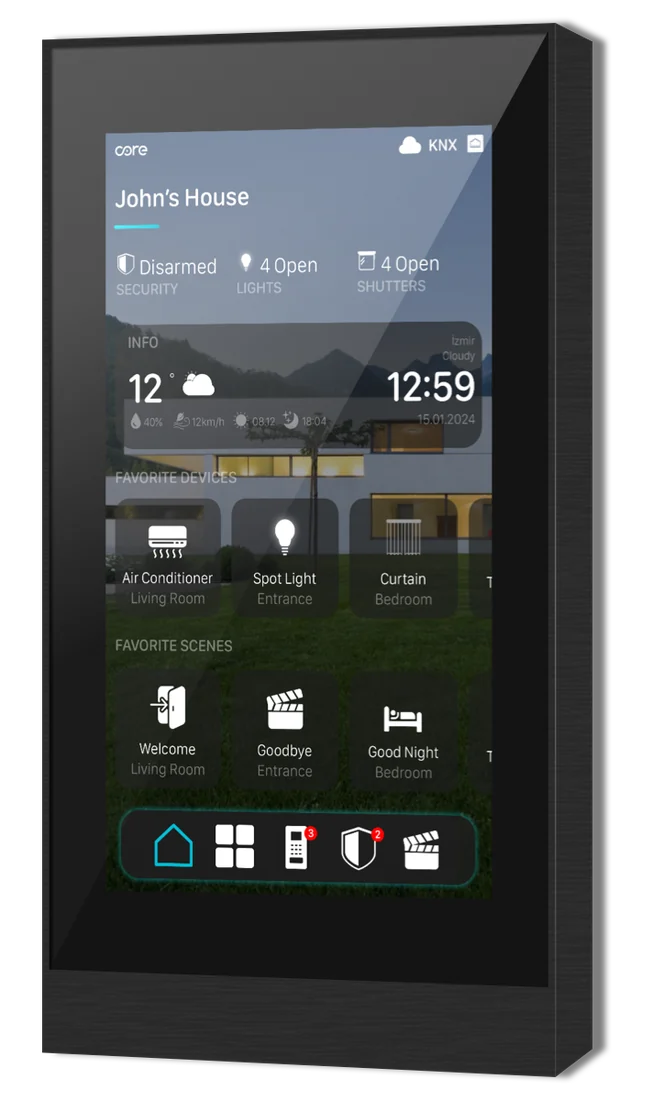 Room controllersEclipse 5A 5-inch touch panel that runs the KNX system, with the intercom built in.
 - 02
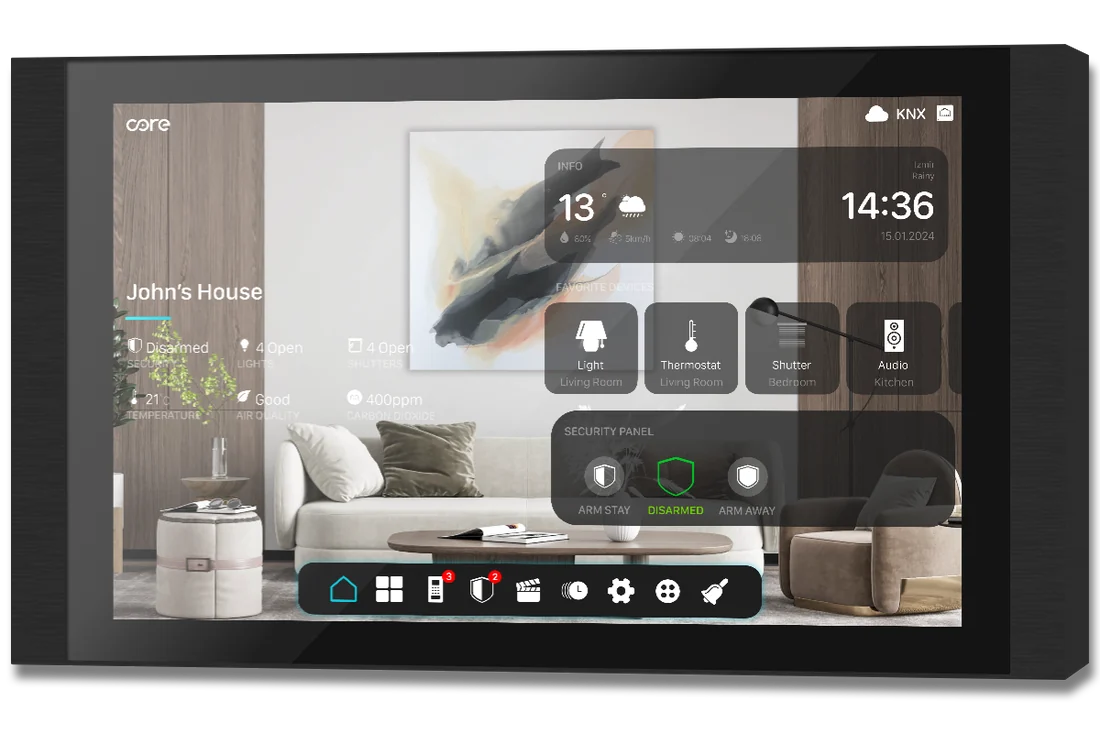 Whole home controllersEclipse 10A 10-inch touch panel that runs the KNX system, with the intercom built in.
 - 03
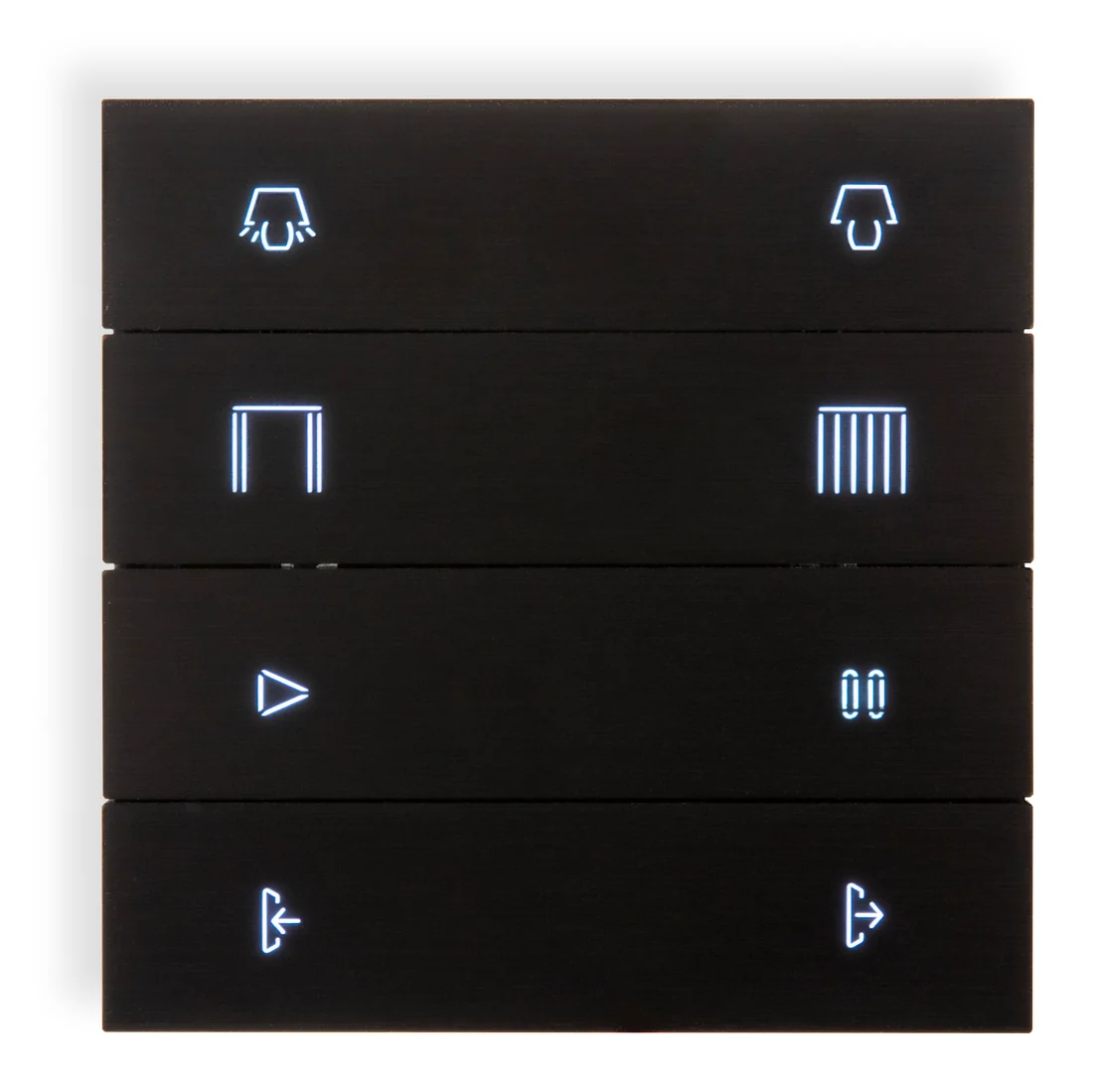 SwitchesEclipse SwitchA KNX push button of metal folds, with backlit icons or words engraved in the metal.
 - 04
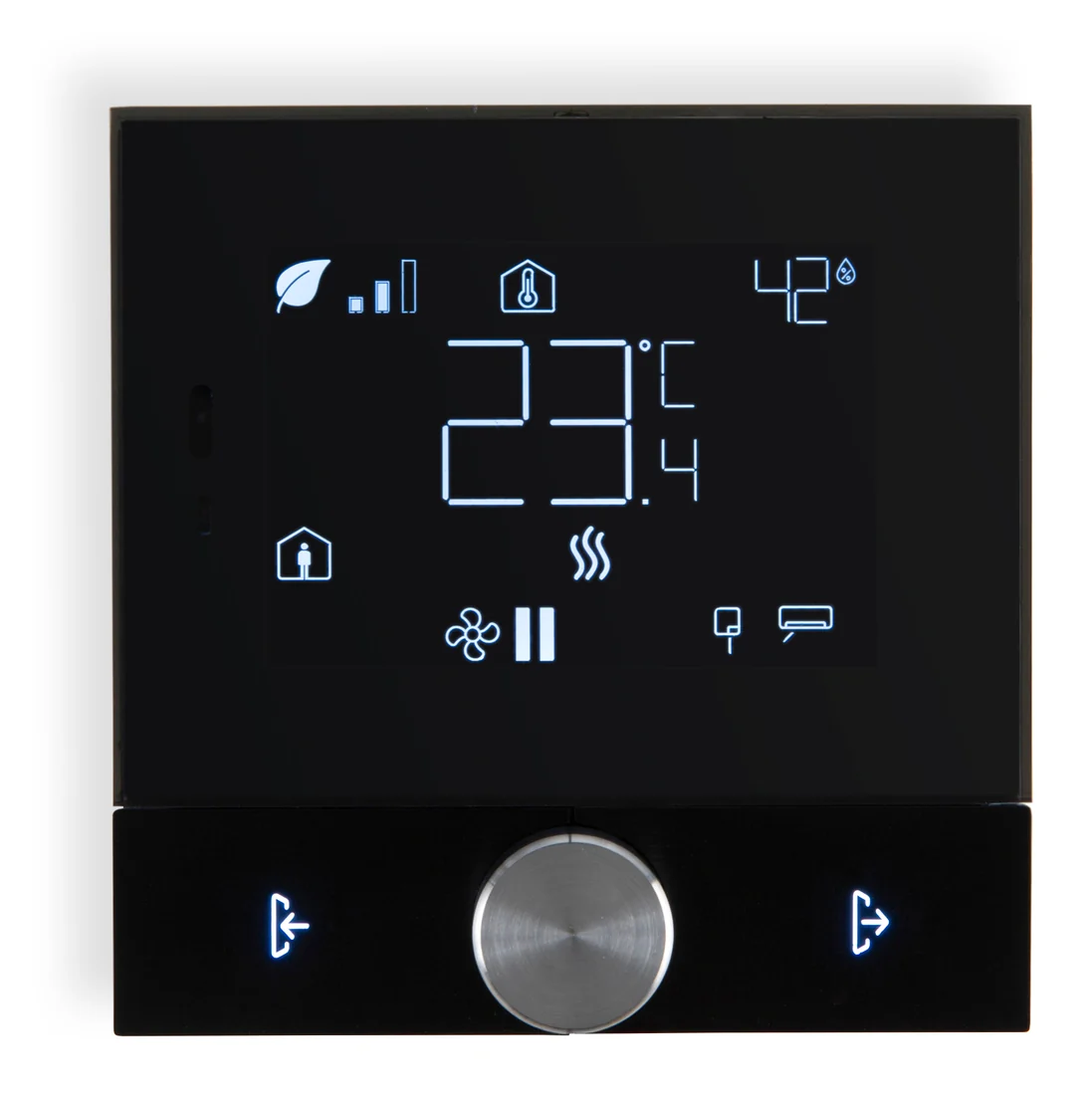 ThermostatsEclipse ThermostatA KNX thermostat with a 3.5-inch display, one knob and two backlit buttons.
 - 05
 SocketsEclipse SocketA UK socket in a metal frame, in the same finishes as the Eclipse switches.