Akubela Whole home controllers
HyPanel Elite 7
PG42
A 7-inch screen that runs the Zigbee devices and the door intercom, at a lower cost.
Finish Black
Black on Akubela's photos. A distributor also lists white (to confirm).
No price on this page. Your bill prices it with your villa, in the finish you pick.
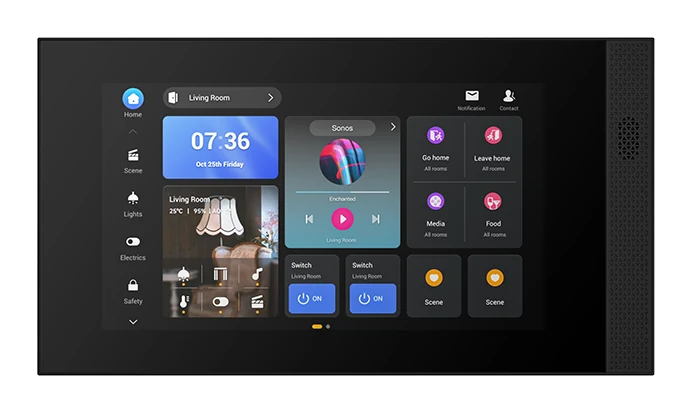
No brand photo yet
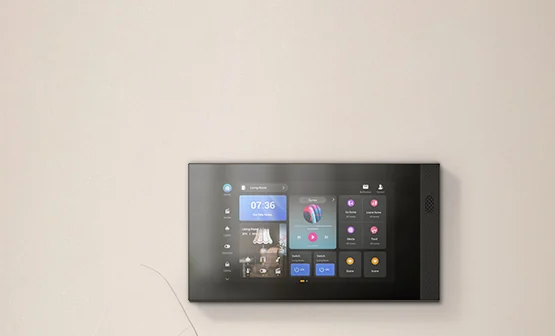
No brand photo yet
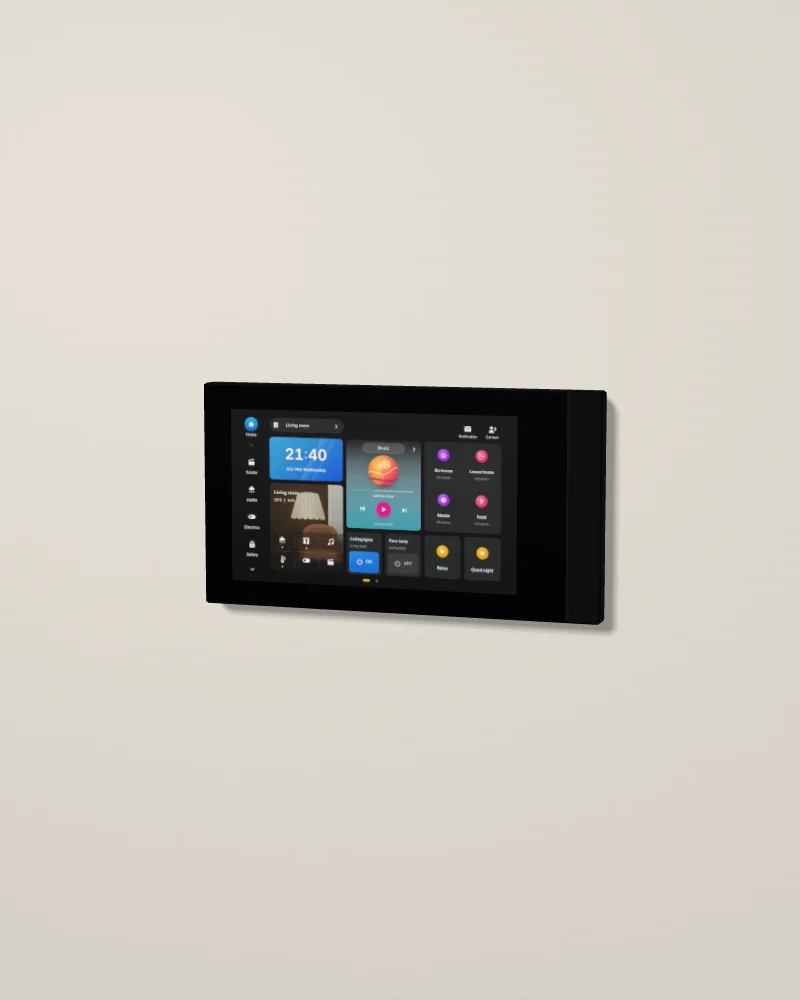
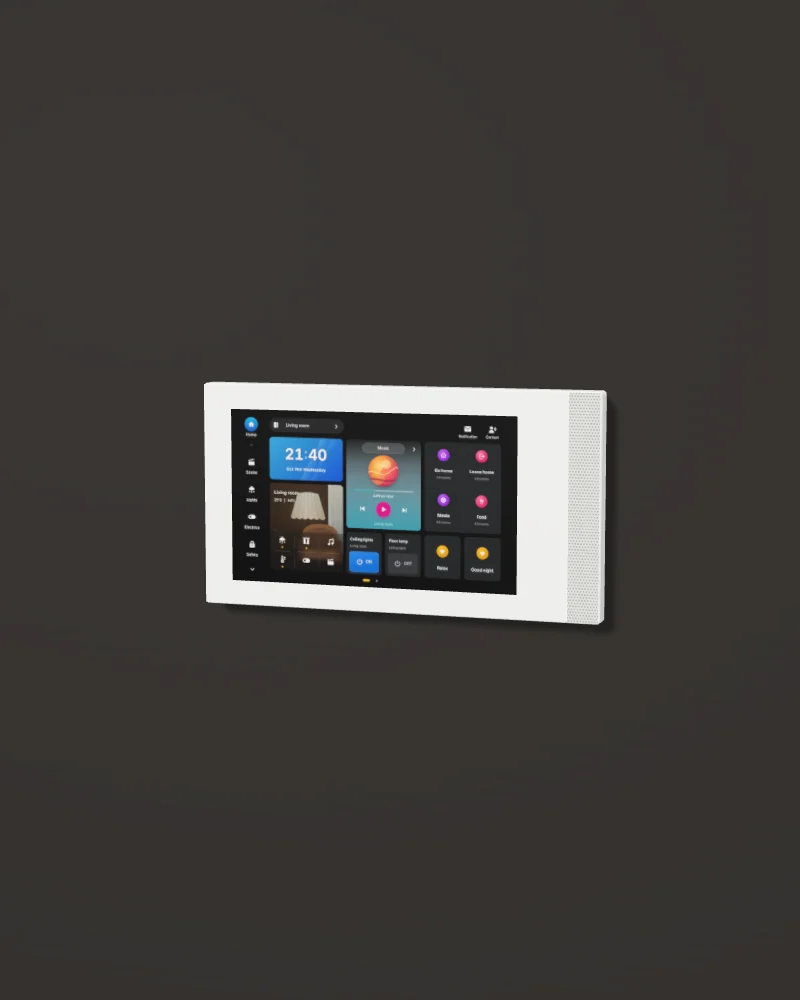
No photo of this finish yet. Our 3D model. Drag to turn it; double-click to put it back.
Akubela's picture, 1 of 2: black, from the front.
- Screen7-inch screen, 1024 × 600
- Hub and intercomZigbee hub and door intercom
- ConnectionsWi-Fi, Ethernet, RS485 and IR
- PowerPoE or 12 V DC
Design and materials
Akubela's lower-cost wall screen. It links the Zigbee and the wired devices, runs scenes and schedules, and takes video calls from the door, with calls between rooms and door release in one tap.
No brand photo yet
Glass face, plastic body
One sheet of glass covers the screen and the speaker grille. The body is plastic (Akubela's spec page).

White, from a distributor
A distributor sells a white Elite 7. Akubela's own pages show black only, so white is to confirm.
Where it goes
Bedrooms, the guest wing or the staff quarters, at about 1.4 m to the centre.
Try the screen
This is the HyPanel Elite 7's home screen, set up for a sample villa with eight rooms. Use it as you would on the wall. Everything you change, the rest of the screen follows.
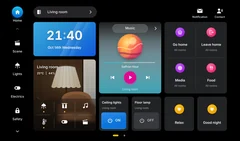
Turn your phone sideways for a larger screen.
Demo villaThe sample villa
This is the sample villa, cut open from the front. It changes when you use the screen. Tap a room to switch its lights on or off.
Six things owners do every day
- Change the room to the master bedroom.
- Turn on the master bedroom lights from the room card.
- Play music, then skip to the next song.
- Run the Dinner scene.
- Call the kitchen panel from Contact.
- Call the gate and open it.
0 of 6 done
Homestat rebuilt this screen from Akubela's interface so you can try it here. The real screen differs in detail. Your installer sets up your own rooms, names and scenes.
Specifications
01Display and system
- Screen
- 7 inch, 1024 × 600
02Connections
- Wireless
- Wi-Fi, Zigbee
- Wired
- Ethernet, RS485, PoE 802.3af, IR
- Inputs and outputs
- 8 inputs, 1 doorbell input, 1 relay
03Mounting and size
- Body
- Plastic
- Colour
- Black on Akubela's photos; white from a distributor to confirm
- Mounting
- Wall plate on an EU, UK, US or CN box
04Finishes
- Finish 1
- Black
- Finish 2
- White
Sources: Akubela's website and published documents, read on 13 October 2026. The datasheet from Akubela replaces every to confirm.
Works with
The rest of the Akubela range on our page.
- 01
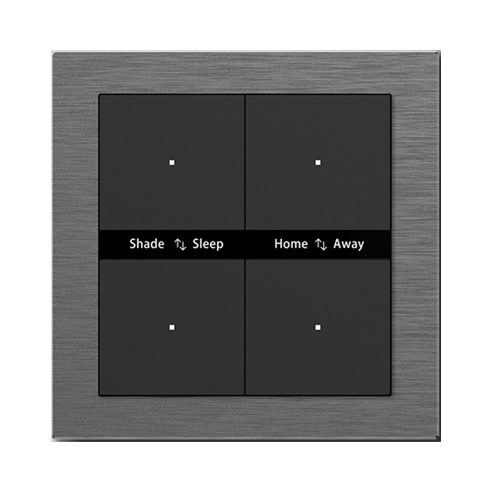 SwitchesAura KNX keypad, 4 buttonsFour buttons with labels you change in the app, in an aluminium frame.
 - 02
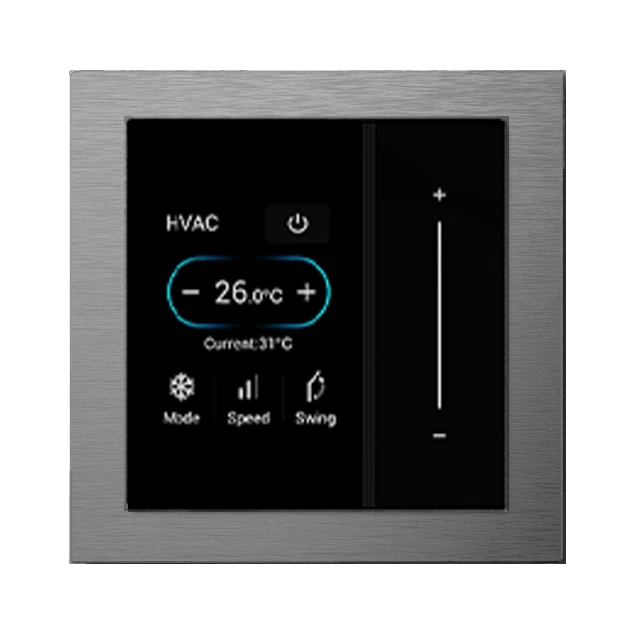 ThermostatsAura touch screen controllerA small touch screen in the Aura frame, for one room's air conditioning and lights.
 - 03
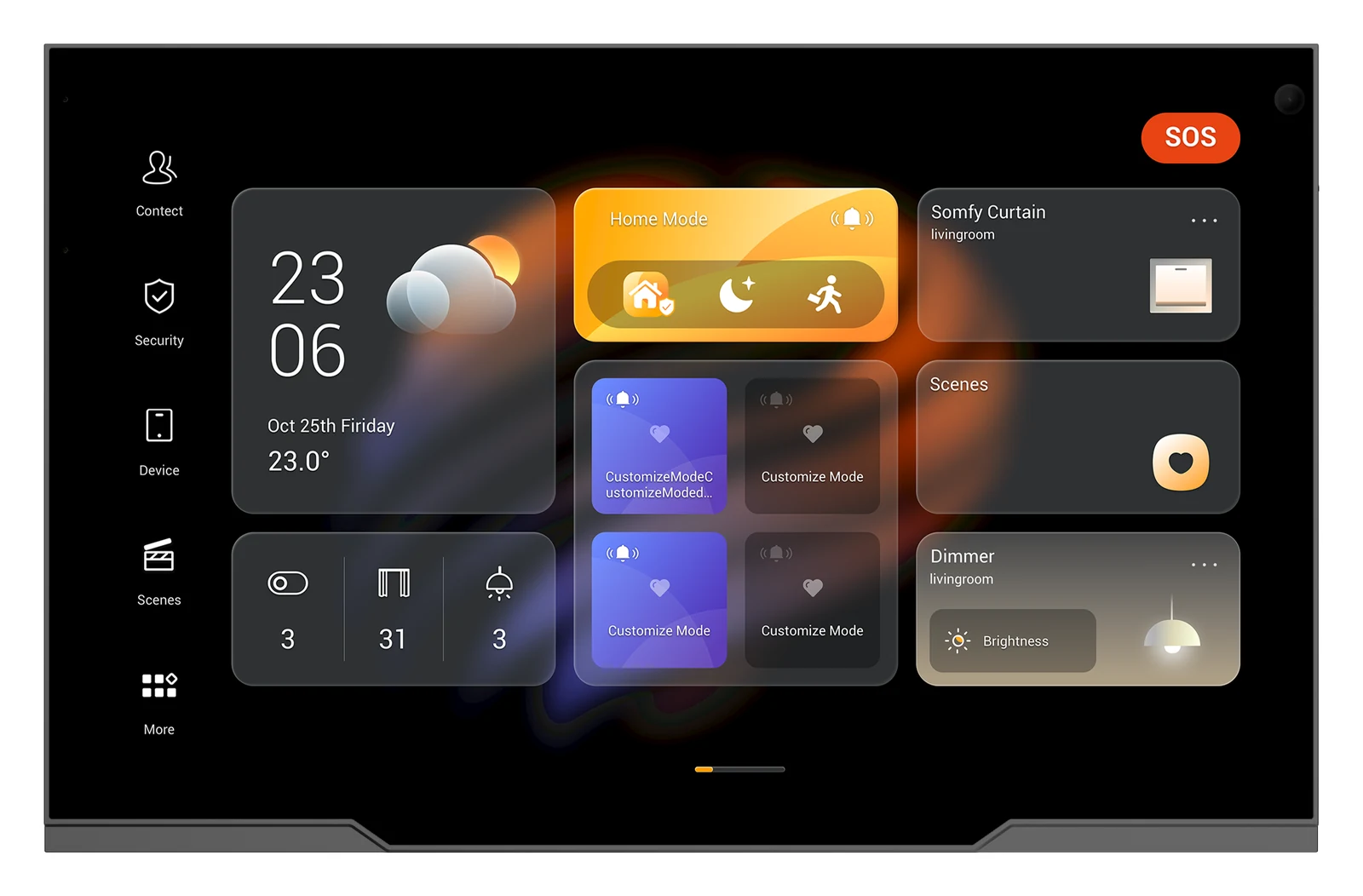 Whole home controllersHyPanel UltraA 10.36-inch screen in a metal frame that runs the whole villa and answers the door.
 - 04
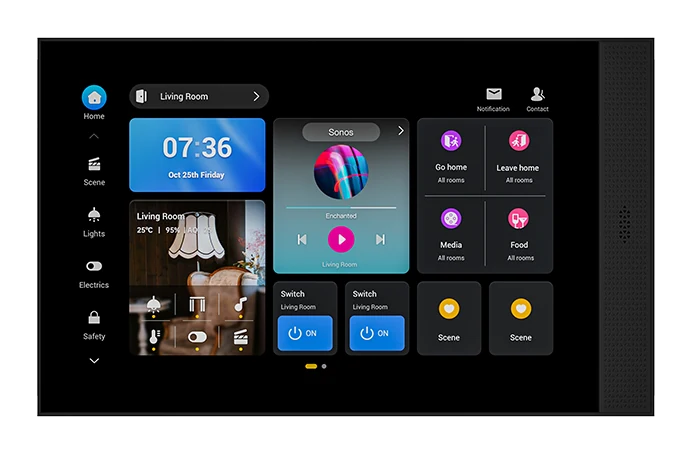 Whole home controllersHyPanel Elite 10A 10-inch screen for home control and video intercom, set landscape or portrait.
 - 05
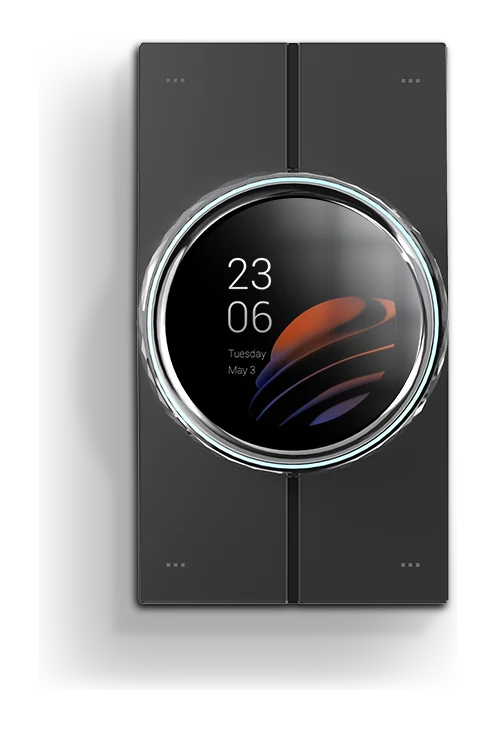 Room controllersHyPanel Lux PianoA 2.1-inch screen with a faceted metal knob and four glass buttons, in place of a light switch.
 - 06
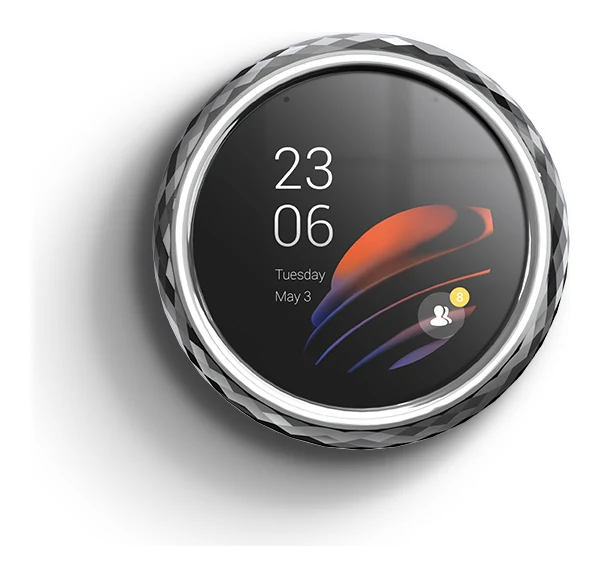 Room controllersHyPanel Lux RingA 2.1-inch screen inside a faceted metal ring with a light ring, for scenes and the door.
 - 07
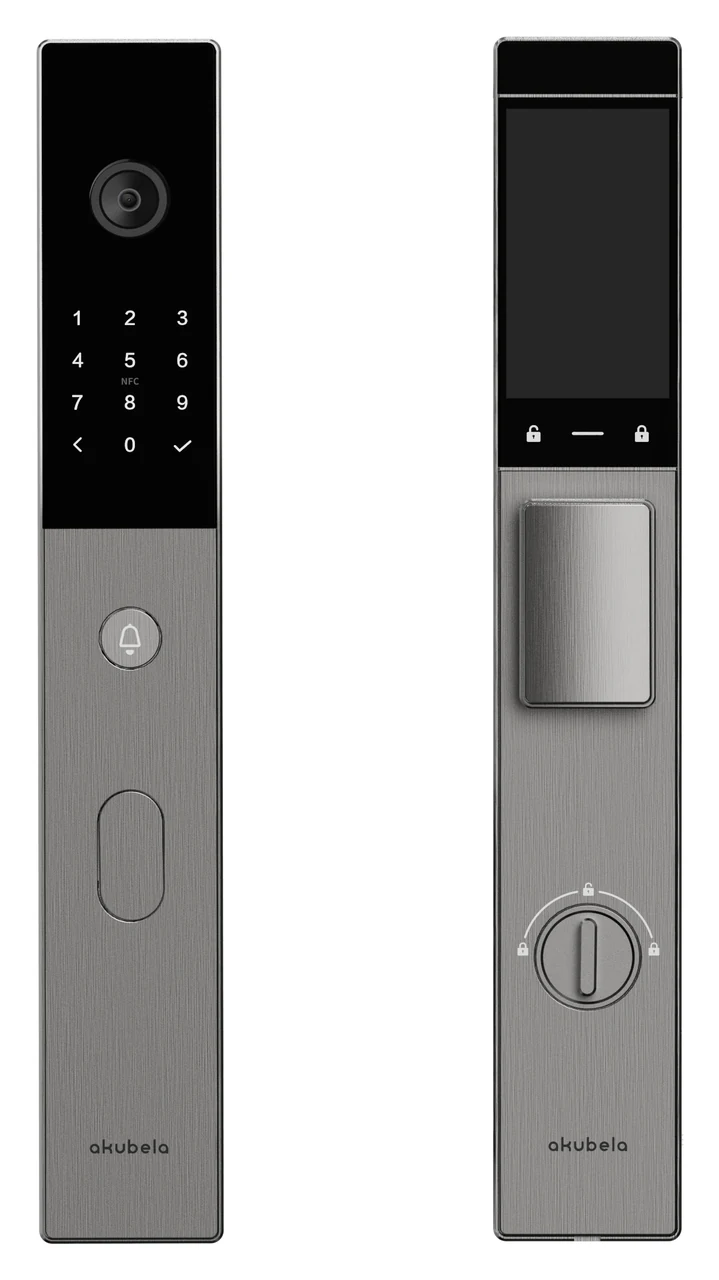 At the doorSL60 smart lockA front-door lock that opens by face or palm, with a 5-inch screen and a camera.
 - 08
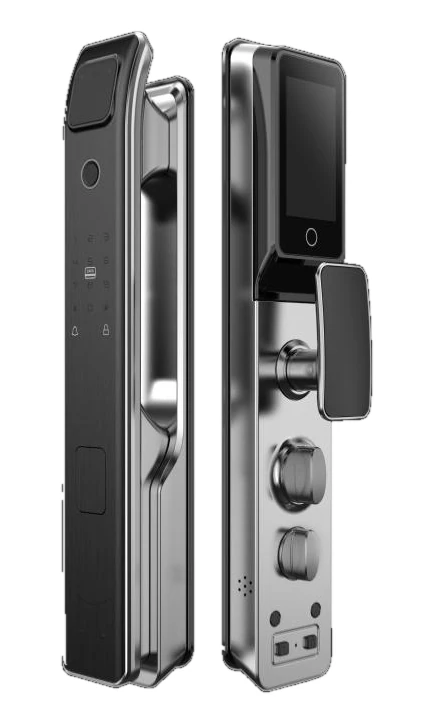 At the doorSL50 smart lockA front-door lock that opens by fingerprint, code or card, with a camera outside and a 4-inch screen inside.