Optimus Switches
Edge Touch Switch
OPT-TS8-111, OPT-TS12-111 and OPT-TS16-111
A KNX touch switch in black glass, with 8, 12 or 16 touch areas, each with its own colour light.
Finish Black glass
Optimus's website shows the glass in black. Pick the buttons below.
Buttons 880 × 80 mm
No price on this page. Your bill prices it with your villa, in the finish you pick.
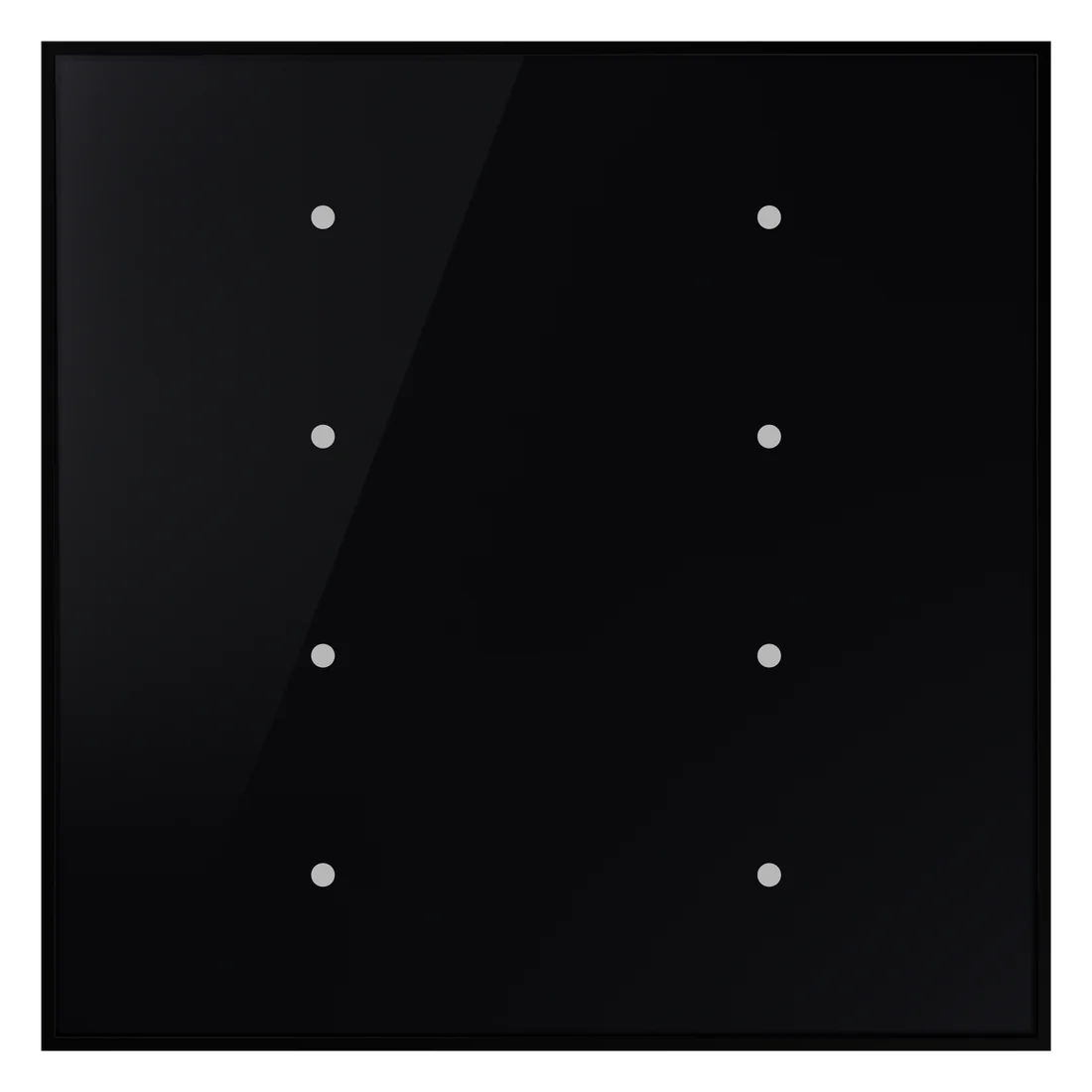
No brand photo yet
No brand photo yet
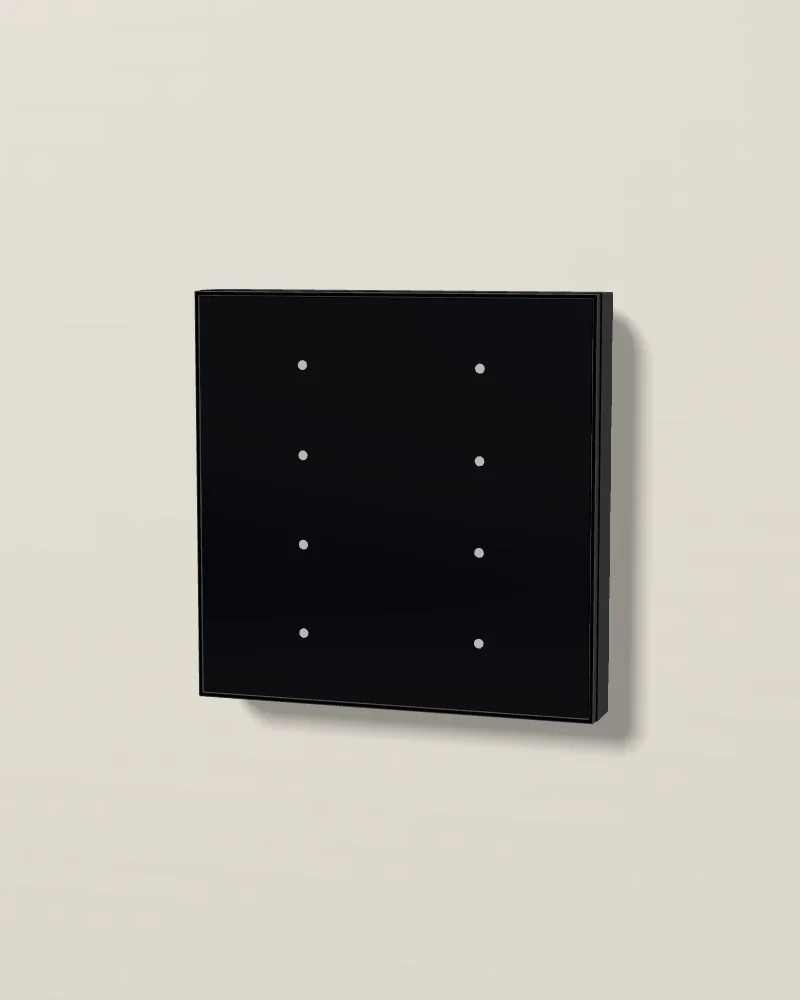
No photo of this finish yet. No photo of this one yet. Our 3D model. Drag to turn it; double-click to put it back.
Our 3D model, in black glass, with 8 buttons, 80 × 80 mm.
- Touch areas8, 12 or 16 touch areas
- LightsA colour light for each area
- FrontBlack glass, no frame
- PowerPowered by the KNX bus
Design and materials
A KNX switch with a flat black glass front and no frame. Each touch area works on its own, and its light shows the state in one of 8 colours that you choose. The areas stay plain, or you add icons; Optimus sets the colour and the surface design before you order. It runs lights and dimmers, curtains and blinds, scenes, values, the thermostat and logic, with up to 16 functions. It takes its power from the KNX bus.
No brand photo yet

Black glass
A flat black glass front with no frame. A small light marks each touch area.
8 colours for each area
Each touch area lights in the colour you choose, so each function has a colour of its own.
Each area on its own
Each touch area is a separate button. When two must work together, the installer links them in ETS.
Where it goes
By the door of each room, on the latch side, at 1.2 m to the centre. It mounts flush, with no frame.
Specifications
01Display and system
- Model
- OPT-TS8-111 (8 buttons, 80 × 80 mm), OPT-TS12-111 (12 buttons, 80 × 120 mm), OPT-TS16-111 (16 buttons, 80 × 160 mm)
- Controls
- 8, 12 or 16 touch areas, each one on its own; plain or with icons; up to 16 functions: switching, dimming, curtains and blinds, values, scenes, the thermostat and logic
- Backlight
- Each touch area lights in one of 8 colours, to show its state
02Connections
- Connection
- KNX TP (TP-S mode); powered by the bus, 21 to 30 V DC, 12 mA; programmed in ETS
03Mounting and size
- Mounting
- Flush, on a 60 mm round box, with the adapter that comes with it; no frame (to confirm for the UK-type boxes in UAE villas) to confirm
- Size
- 80 × 80, 80 × 120 or 80 × 160 mm, 35 mm deep (85, 113 or 142 g)
- Body
- Touch glass front (Optimus's catalogue); ABS (V2) housing
- Rating
- IP20, indoors; −5 to +45 °C
- Colours
- Black glass on Optimus's website; Optimus sets the colour and the surface design before the order
04Finishes
- Finish
- Black glass
Sources: Optimus's datasheet for the OPT-TSxxx-yyy touch switch (version 1.0, 22 July 2026), its Edge touch switch page and the pictures on that page, read on 16 October 2026.
Works with
The rest of the Optimus range on our page.
- 01
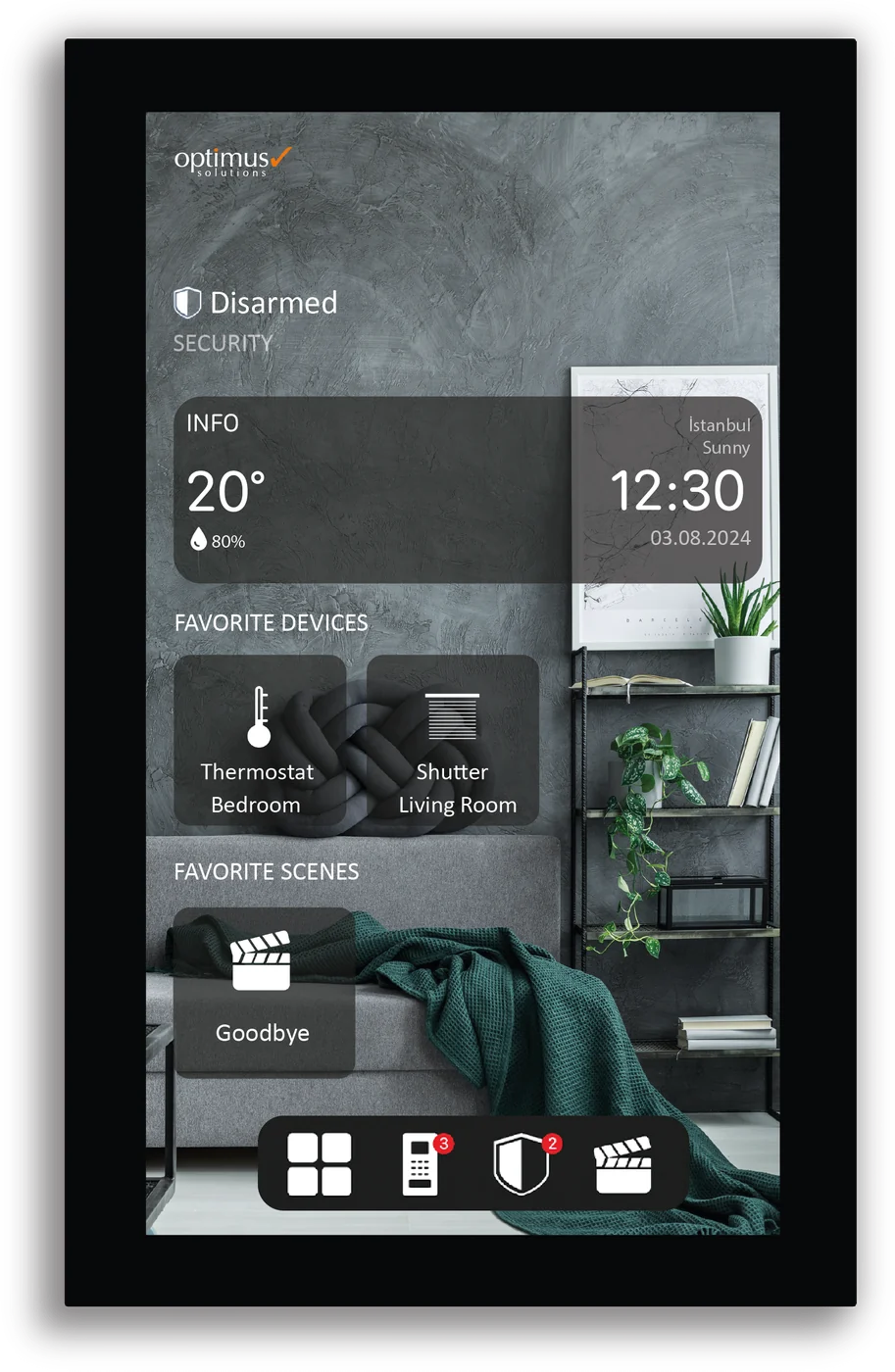 Whole home controllersEdge 8An 8-inch touch panel that stands upright for the whole KNX villa, with the intercom built in.
 - 02
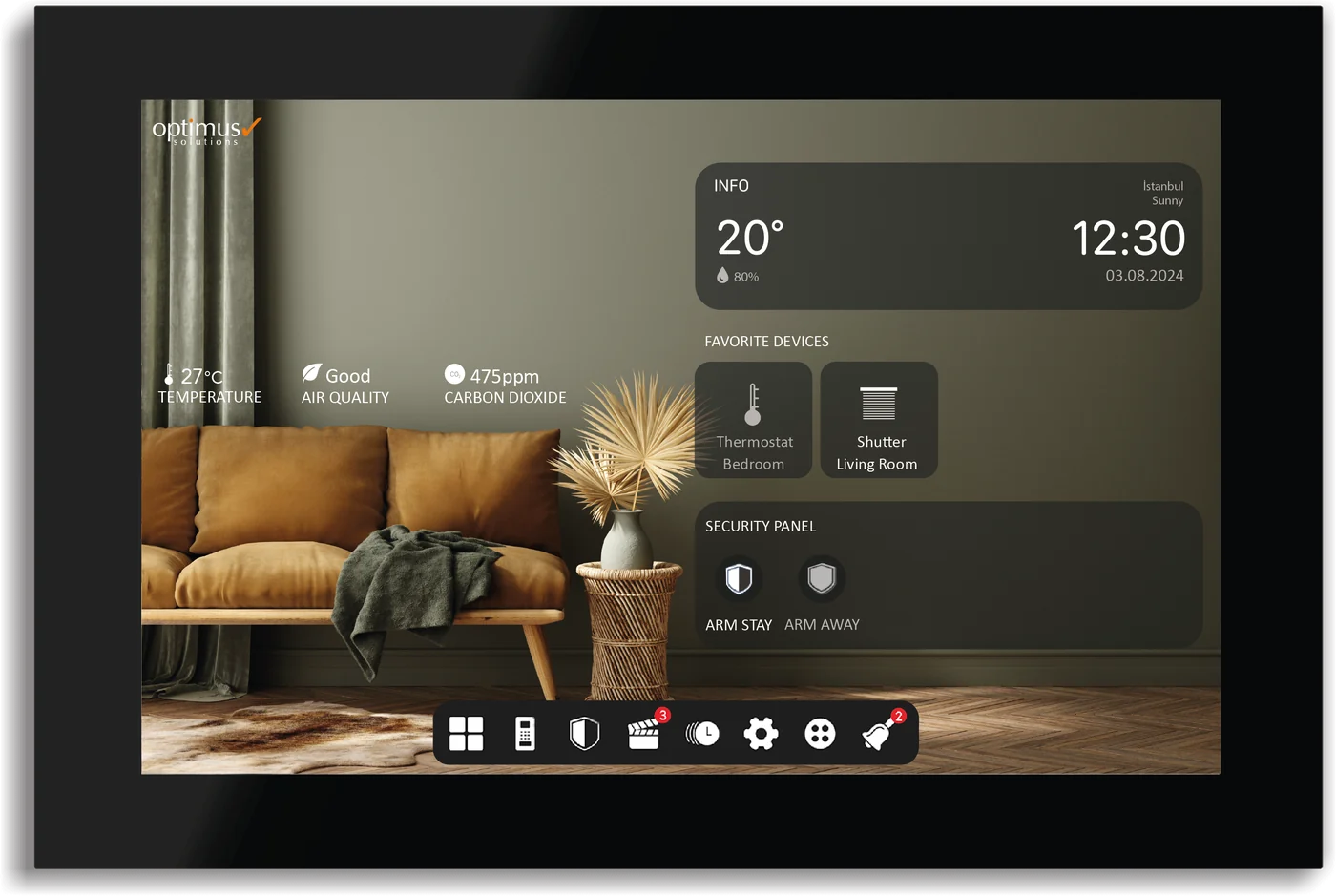 Whole home controllersEdge 10A 10.1-inch touch panel for the whole KNX villa, with the intercom built in.
 - 03
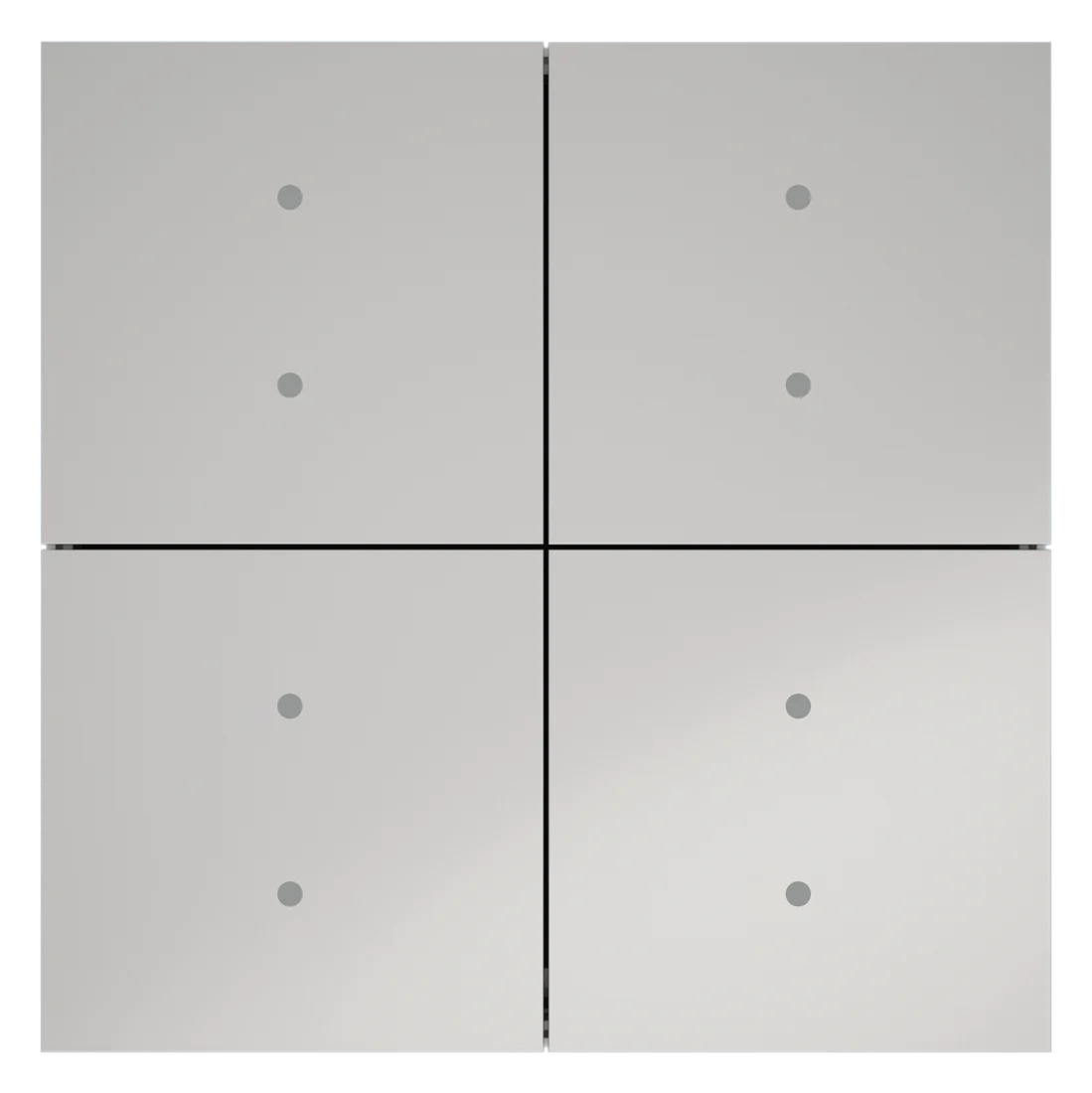 SwitchesEdge SwitchA frameless KNX push button with 1 to 4 keys and two RGB lights on each key, in five finishes.