Optimus Whole home controllers
Edge 10
EDGE 1.1 touch panel, 10.1-inch (OPT-TP10-111)
A 10.1-inch touch panel for the whole KNX villa, with the intercom built in.
Finish Black
Black, as in Optimus's pictures.
No price on this page. Your bill prices it with your villa, in the finish you pick.
No brand photo yet
No brand photo yet
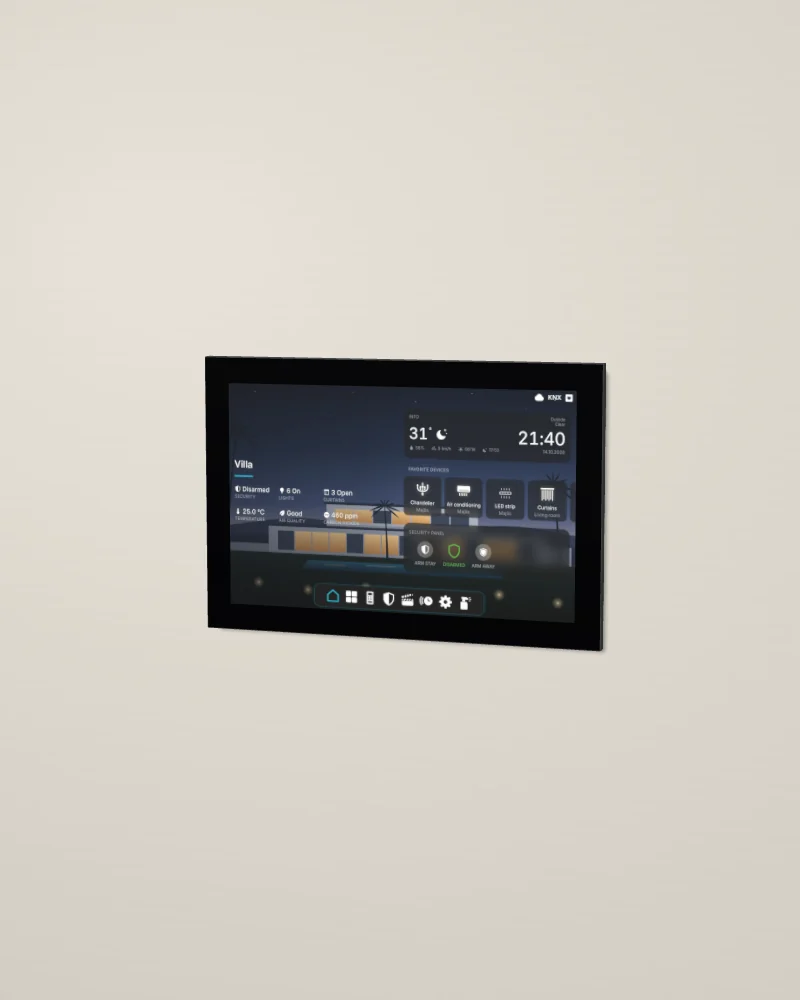
No photo of this finish yet. Our 3D model. Drag to turn it; double-click to put it back.
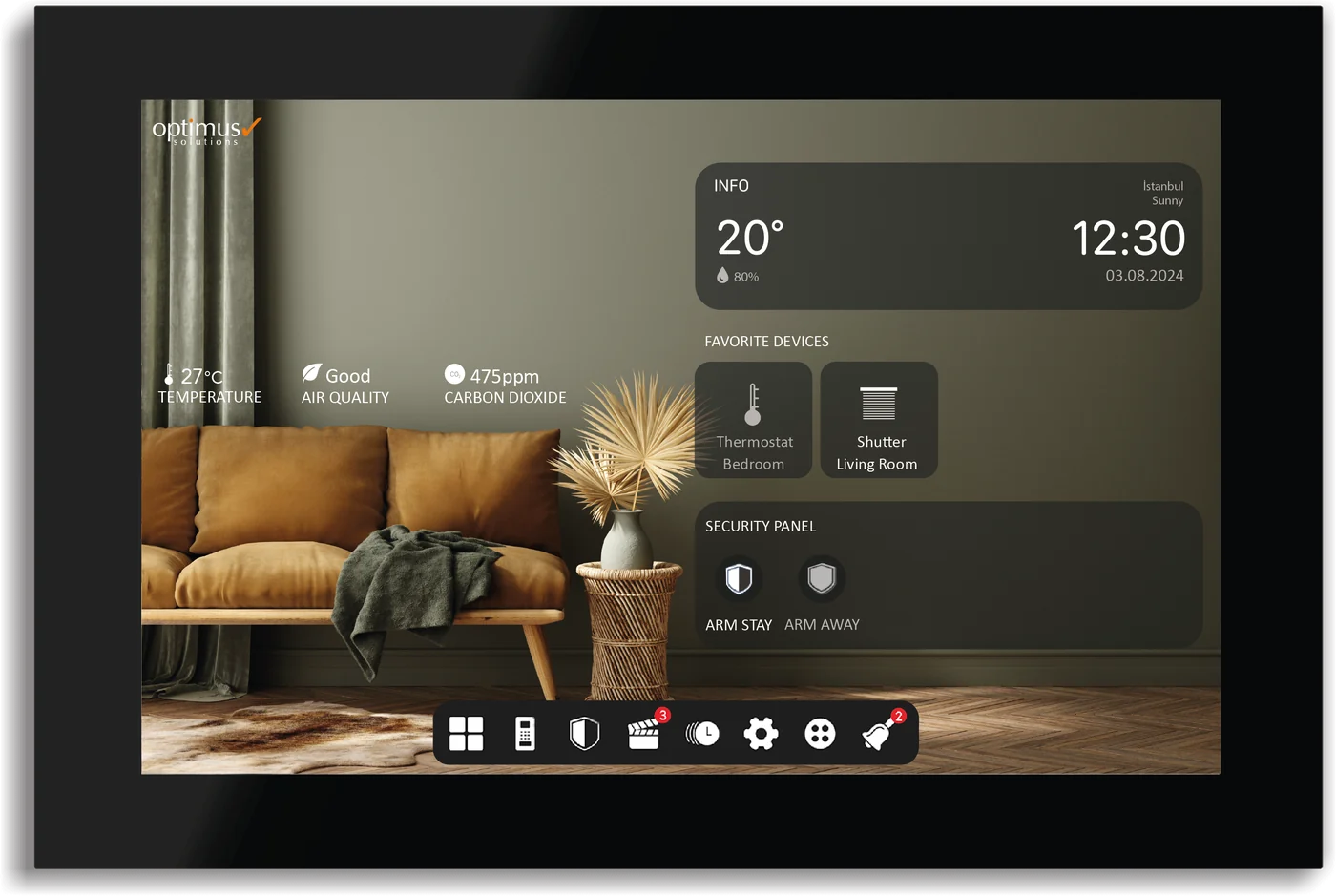
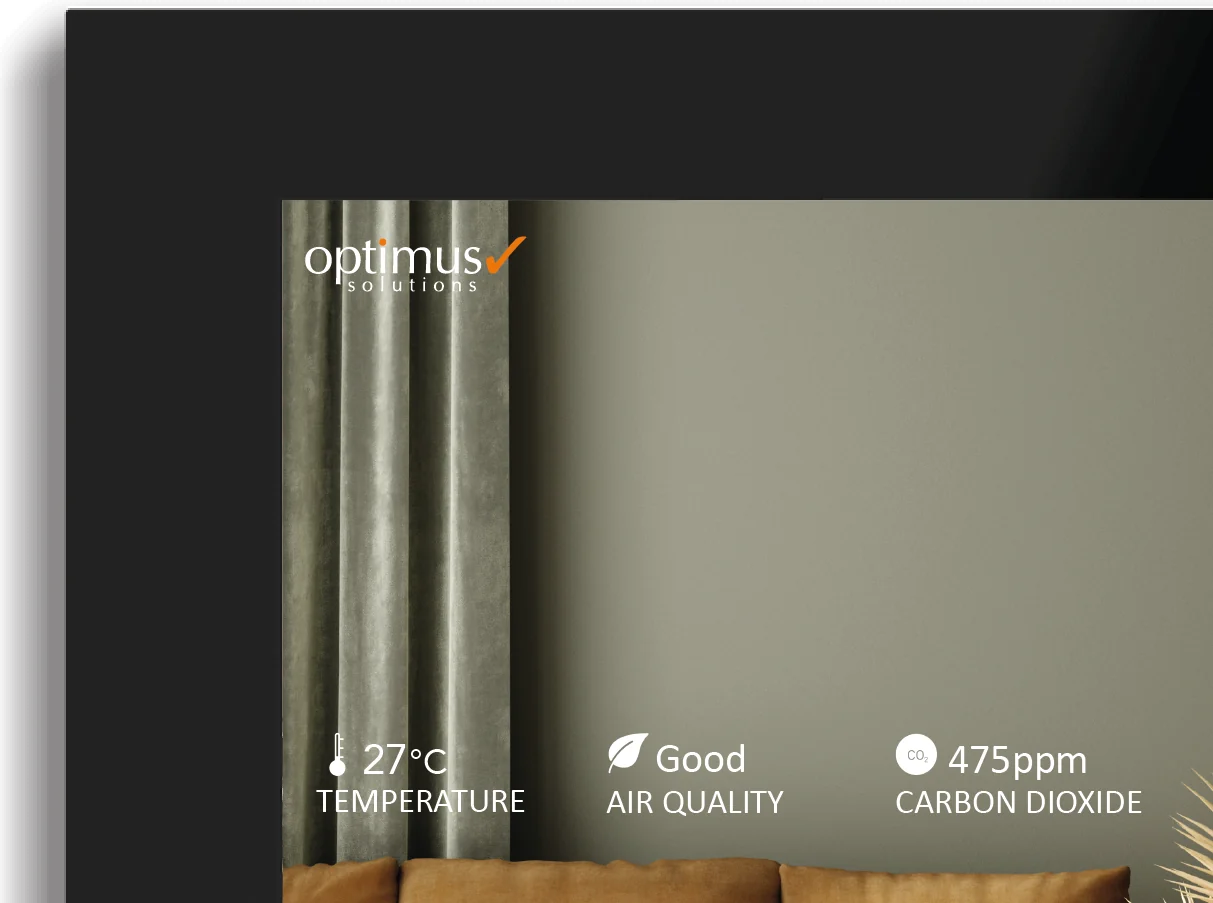
Optimus's picture, 1 of 2: black, from the front.
- Screen10.1-inch screen, 1280 × 800
- IntercomSIP intercom built in
- ConnectionKNX TP and KNX IP
- PlatformsWorks with Alexa, Google Home and Siri
Design and materials
Optimus's 10.1-inch touch panel. It shows the rooms and their devices, the scenes, the security panel with the cameras and the door locks, and the automations, for up to 254 devices in up to 254 rooms. It answers a SIP door station, peer to peer, and it can pass a call to the mobile app when you are away. It works with Amazon Alexa, Google Home, Siri Shortcuts and IFTTT, and it has five digital inputs.
No brand photo yet

7 mm on the wall
The panel sits flush: its box goes into the wall, and only 7 mm of the panel stands out.
The villa on one screen
The rooms, the scenes, the intercom and the alarm, with a menu bar at the bottom of the screen.
Where it goes
The family room, the kitchen or the entrance, at about 1.4 m to the centre. It sits flush in its own in-wall box, which goes into the wall at the first fix, and it needs Ethernet and a 12 to 30 V DC supply at the box.
Try the screen
This is the Edge 10's home screen, set up for a sample villa with eight rooms. Use it as you would on the wall. Everything you change, the rest of the screen follows.
Turn your phone sideways for a larger screen.
Demo villaThe sample villa
This is the sample villa, cut open from the front. It changes when you use the screen. Tap a room to switch its lights on or off.
Six things owners do every day
- Open the majlis and dim the chandelier to about 40%.
- Give the majlis LED strip a new colour.
- Set the majlis air conditioning to 22°.
- Run the Cinema scene.
- Arm the alarm for Away with the code 1234.
- Press "Make the gate ring", then answer and open the gate.
0 of 6 done
Homestat rebuilt this screen from Optimus's interface so you can try it here. The real screen differs in detail. Your installer sets up your own rooms, names and scenes.
Specifications
01Display and system
- Model
- EDGE 1.1 touch panel, 10.1-inch (OPT-TP10-111)
- Screen
- 10.1 inch, 1280 × 800 pixels
- System
- Android 8.1; 1.3 GHz quad-core Arm Cortex-A35; 1 GB RAM; 8 GB eMMC
- Controls
- Up to 254 devices in up to 254 rooms; no thermostat logic in the panel
02Connections
- Connection
- KNX TP and KNX IP; 1 LAN port; no Wi-Fi, RS-485 or RS-232
- Power
- 12 to 30 V DC
- Inputs and outputs
- 5 digital inputs; no outputs
03Intercom and sensors
- Intercom
- SIP 2.0, peer to peer; 1 microphone with echo cancellation; 2 speakers (8 Ω, 2 W)
- Sensors
- None
04Mounting and size
- Mounting
- Flush, in the in-wall box of Optimus's datasheet ("Eclipse inwall box"): 103.2 × 173.2 mm, 67 mm deep, with a 109.2 × 179.2 mm stop plate
- Size
- 249 × 168 × 7 mm on the wall
- Body
- Plastic front casing; black
05Finishes
- Finish
- Black
Sources: Optimus's datasheet for the EDGE 1.1 touch panels (version 1.0, 5 May 2025), its touch panel page and its user manual (version 1.0, 27 December 2023), read on 16 October 2026.
Works with
The rest of the Optimus range on our page.
- 01
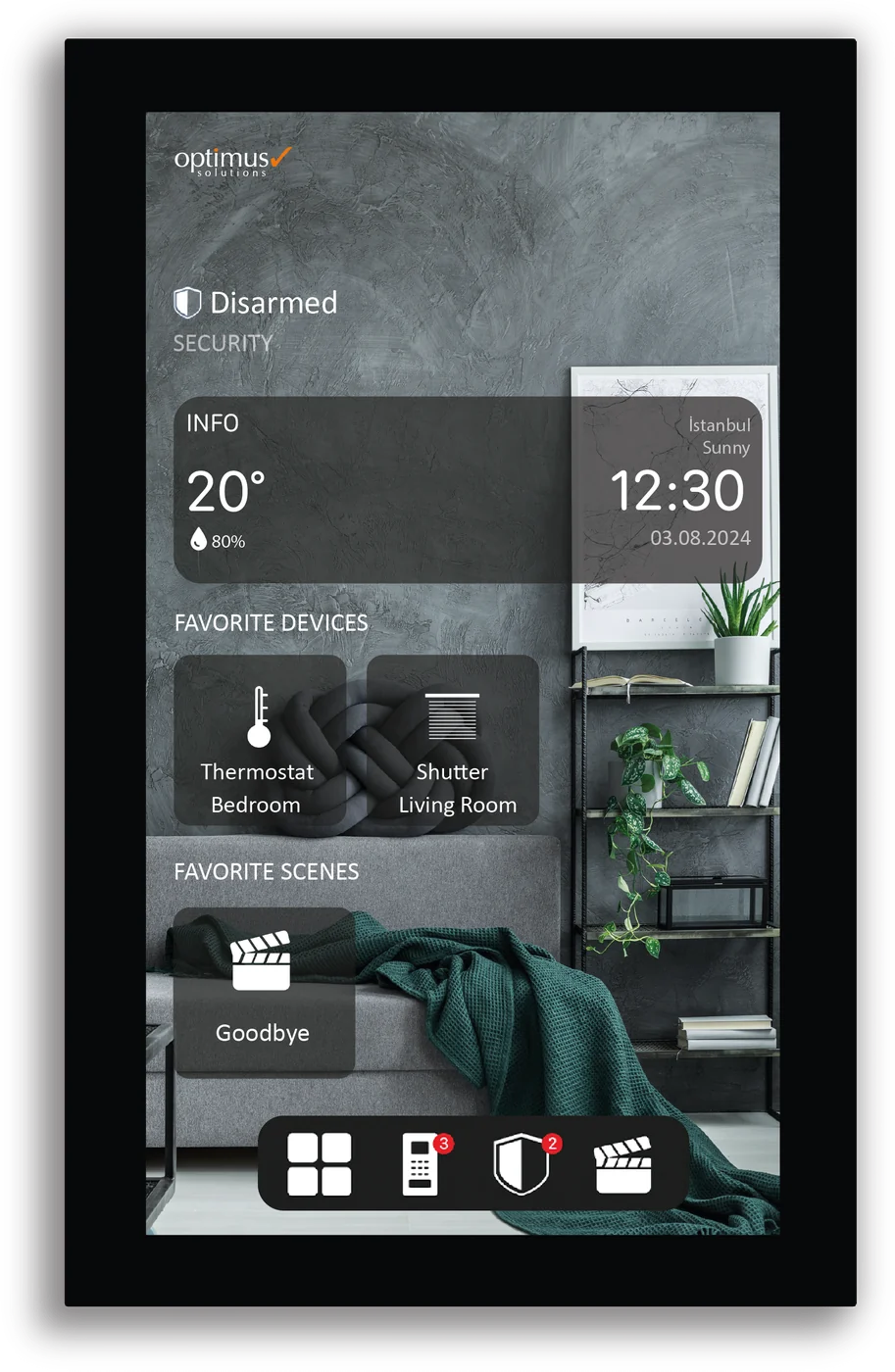 Whole home controllersEdge 8An 8-inch touch panel that stands upright for the whole KNX villa, with the intercom built in.
 - 02
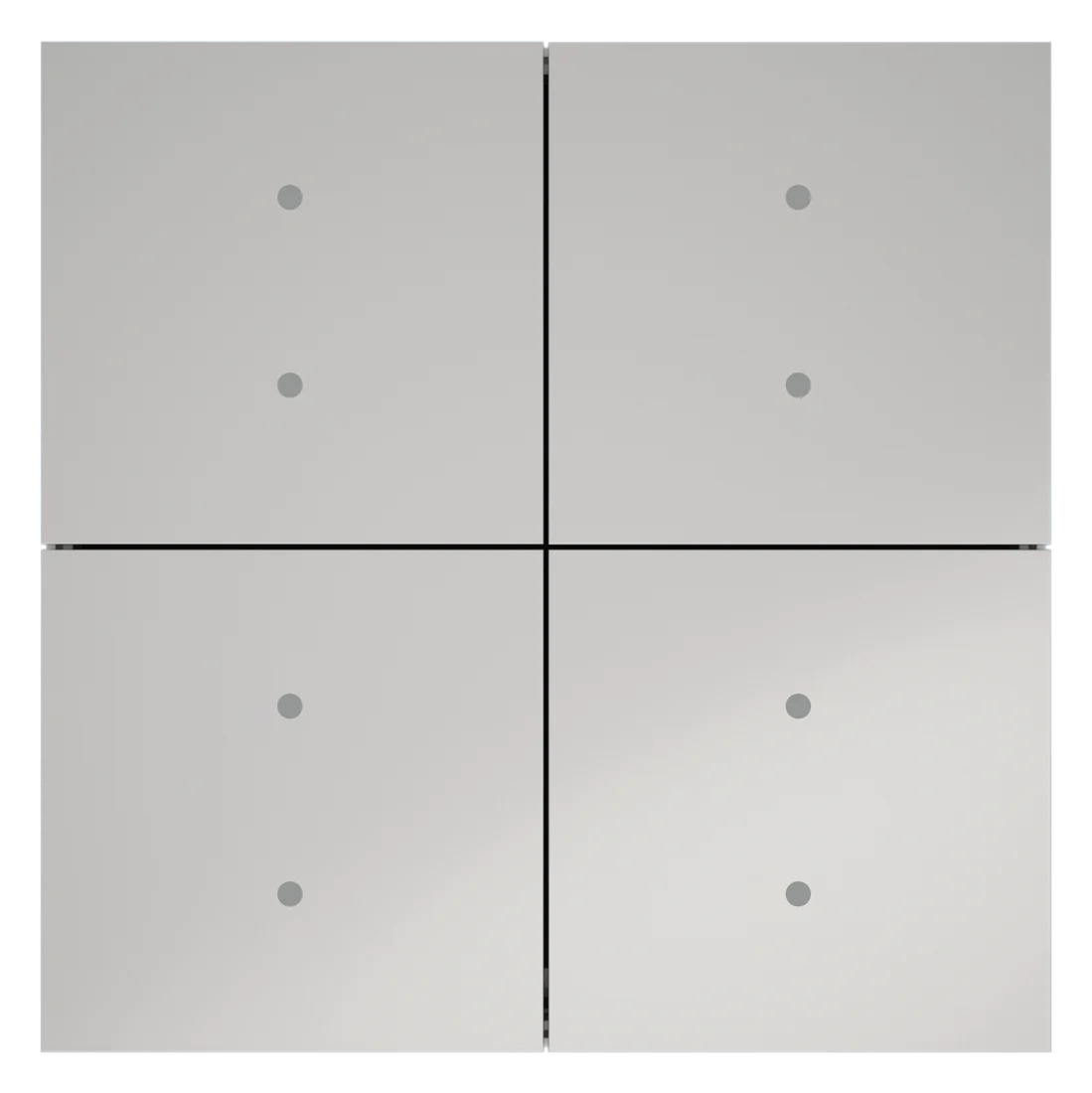 SwitchesEdge SwitchA frameless KNX push button with 1 to 4 keys and two RGB lights on each key, in five finishes.
 - 03
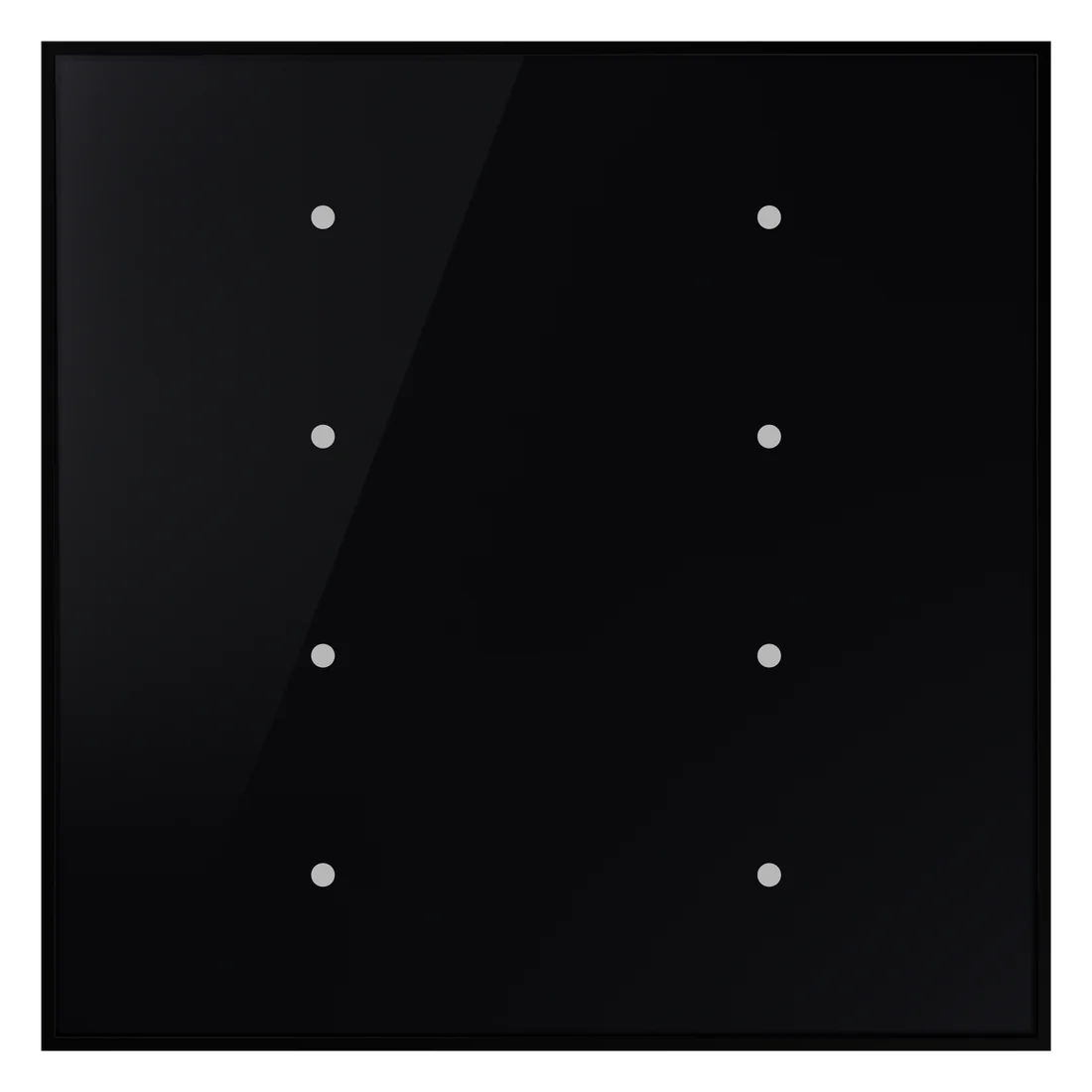 SwitchesEdge Touch SwitchA KNX touch switch in black glass, with 8, 12 or 16 touch areas, each with its own colour light.