Inspinia Whole home controllers
10 SQ touch panel
INS10SQ
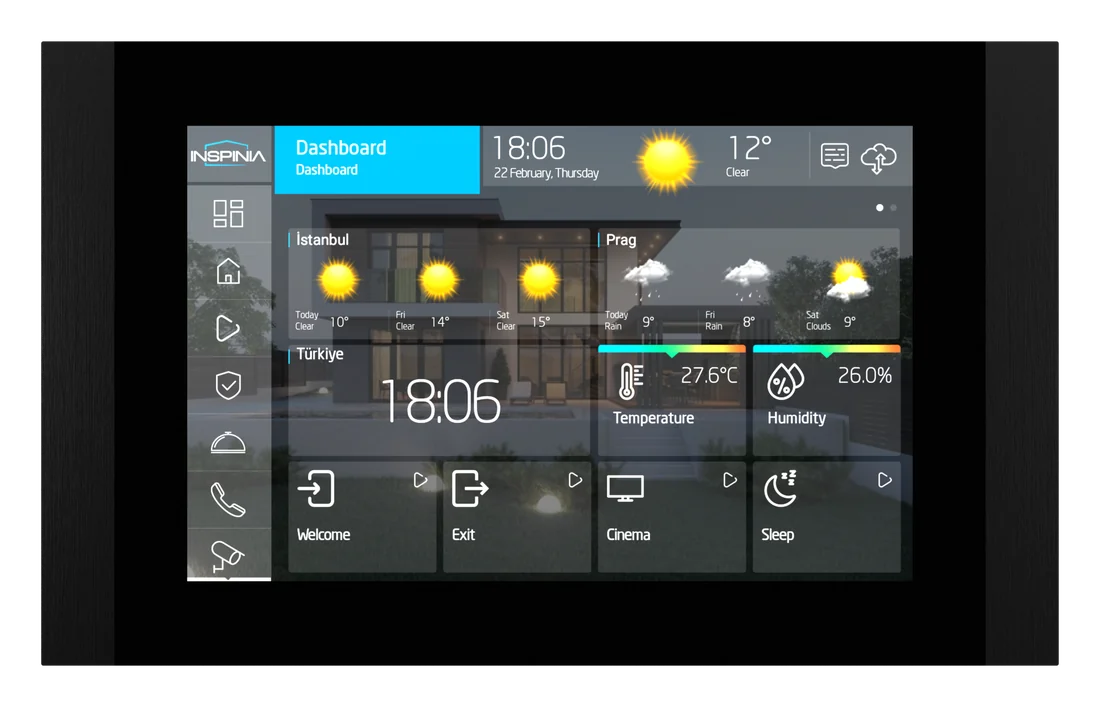
A 10-inch screen between two metal bars, in seven colours.
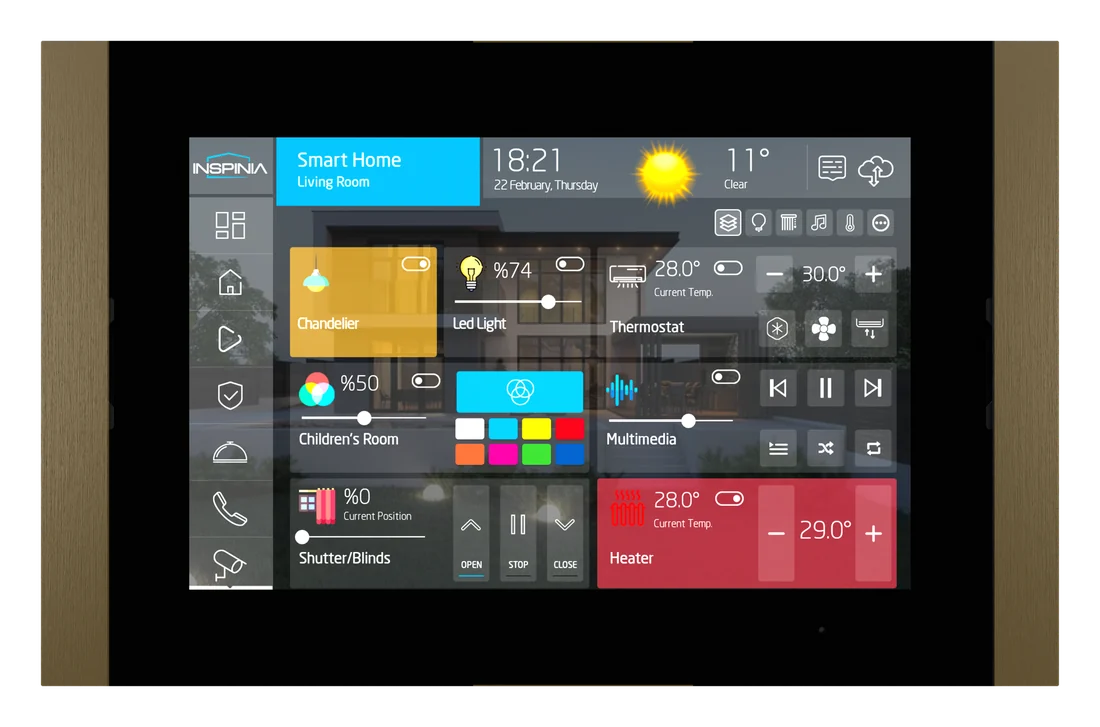
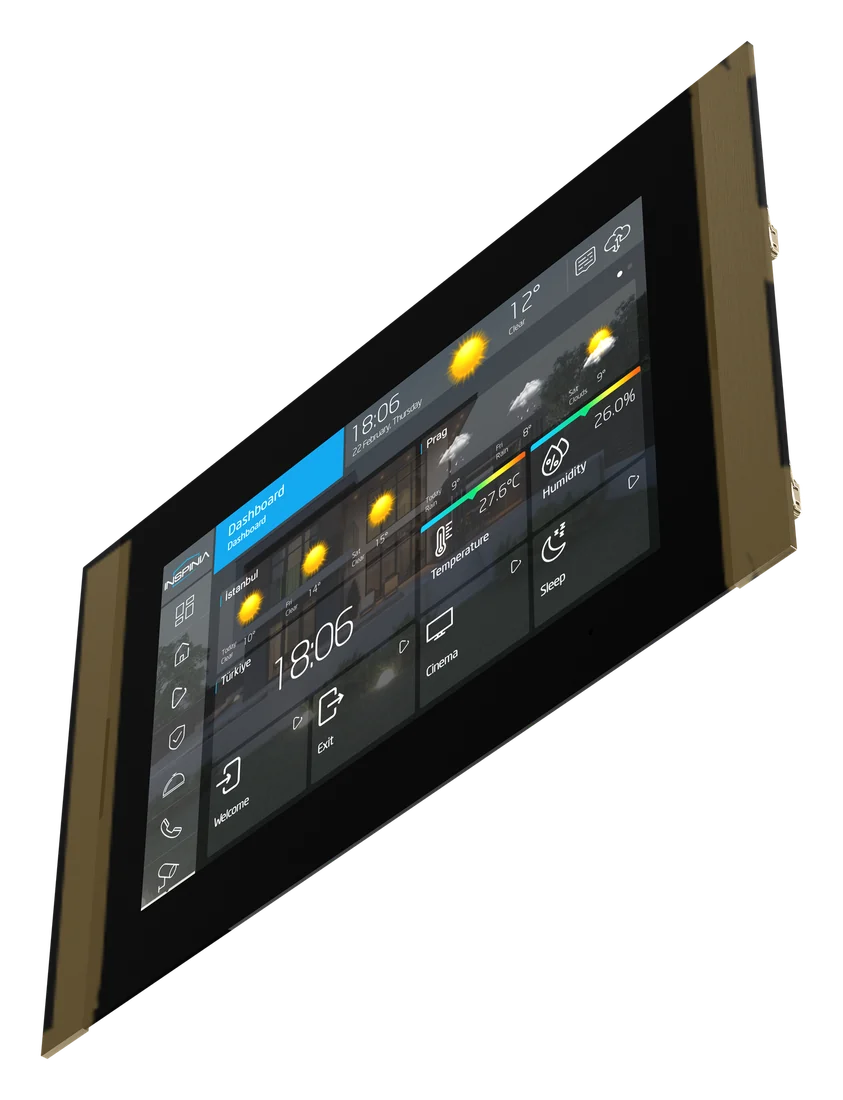
Finish Bronze
Seven bar colours. Inspinia's photos show six of them; the red photo is to follow.
No price on this page. Your bill prices it with your villa, in the finish you pick.
No brand photo yet
No brand photo yet
No brand photo yet
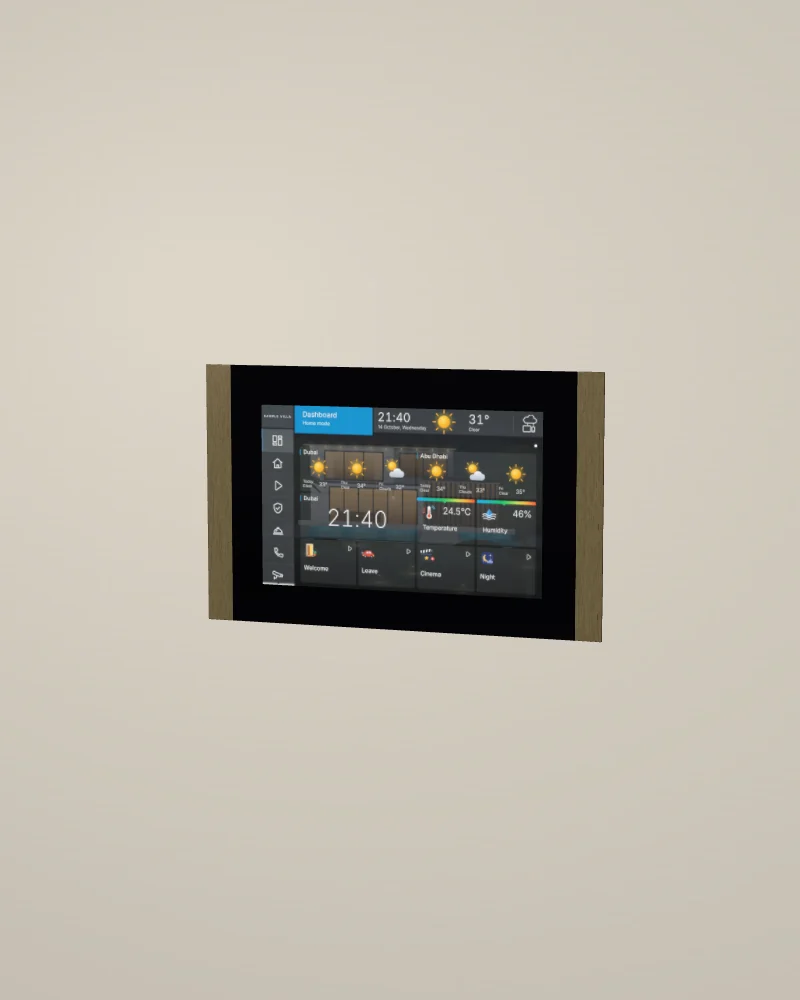
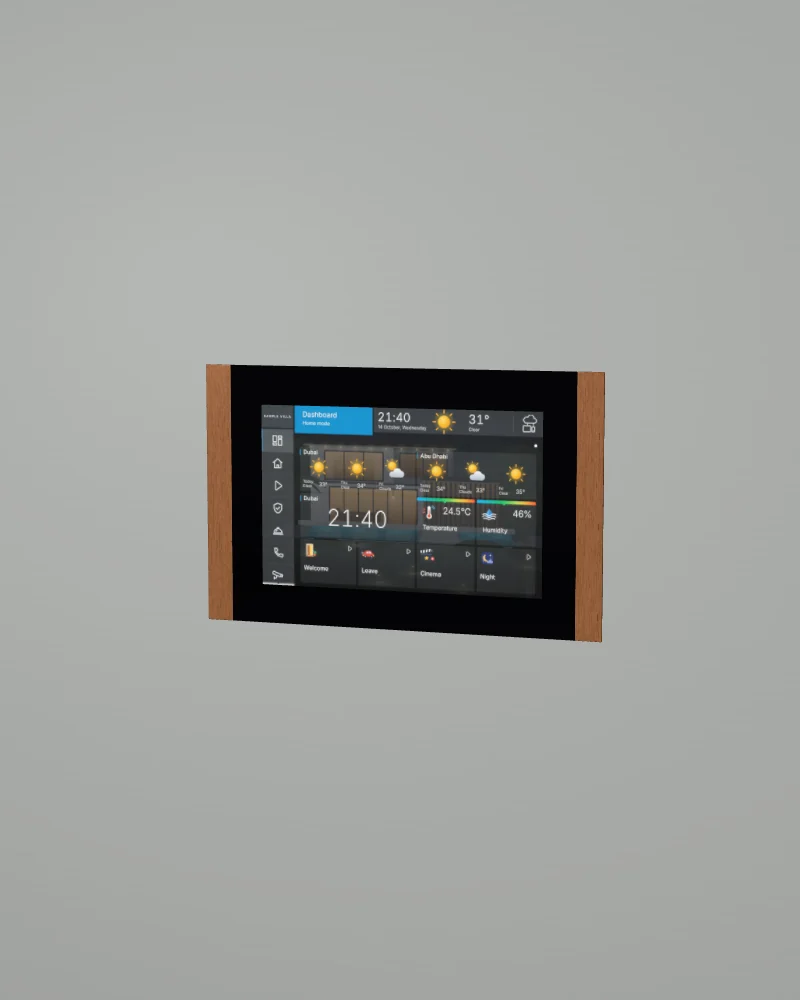
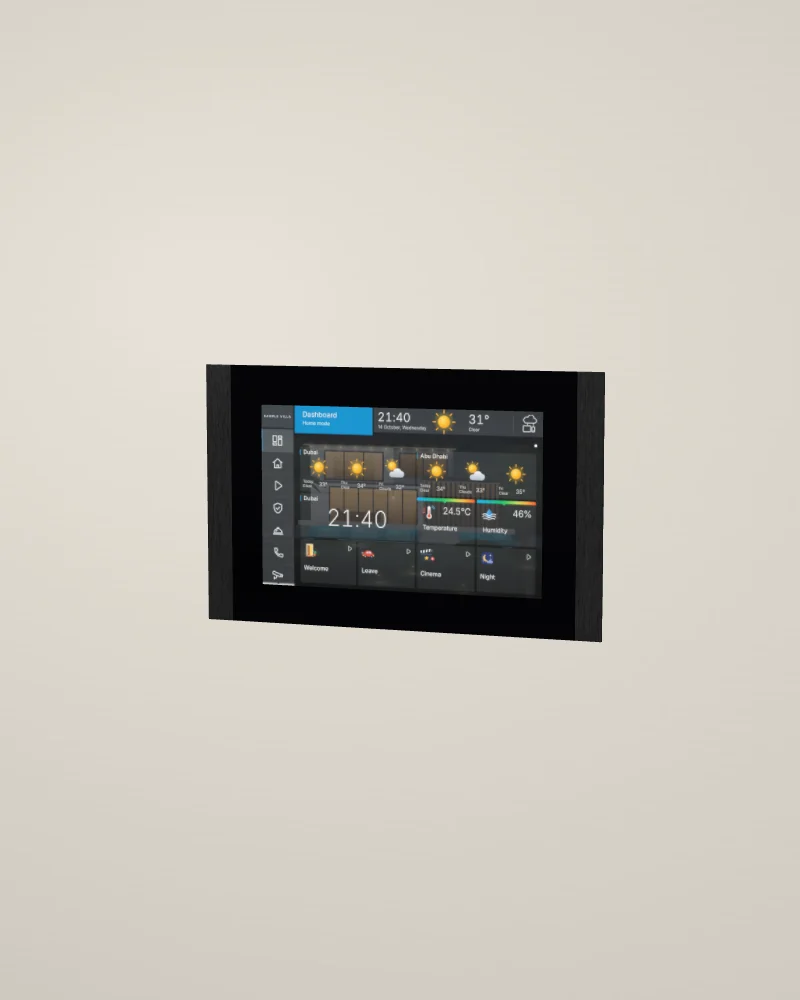
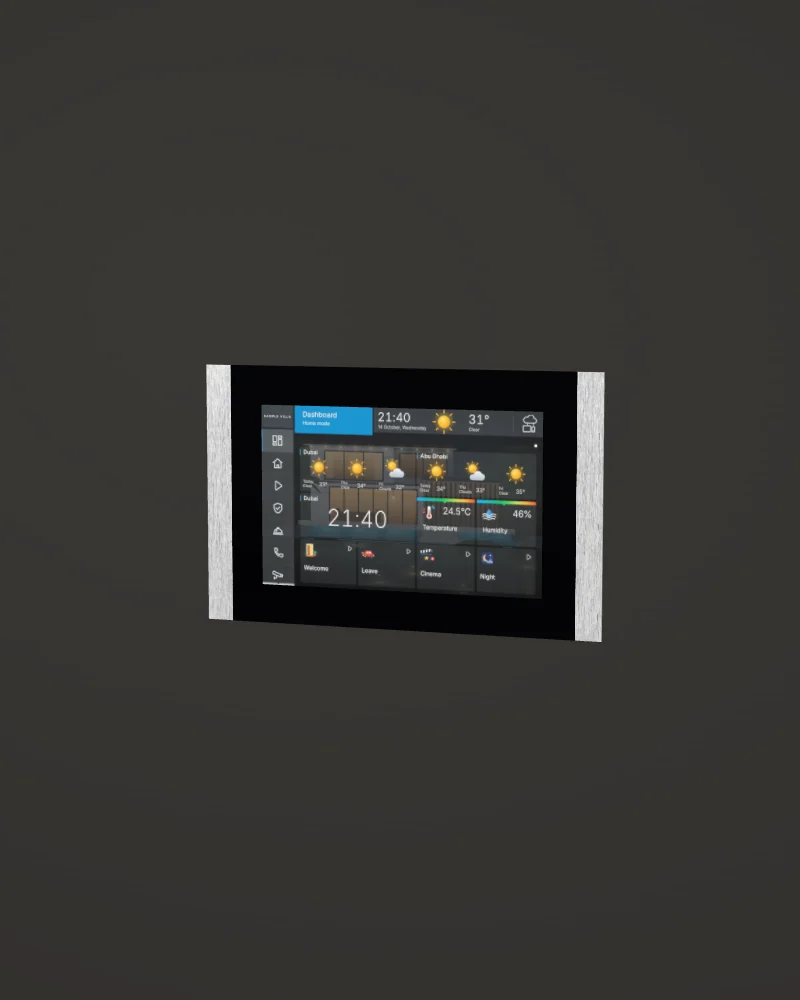
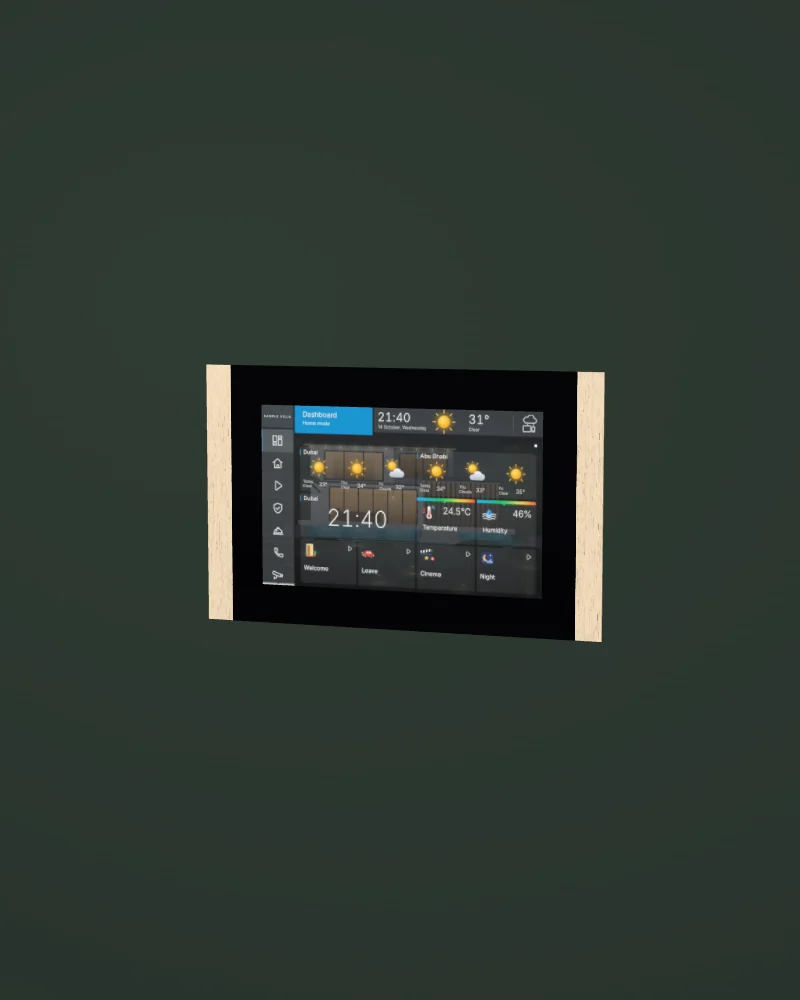
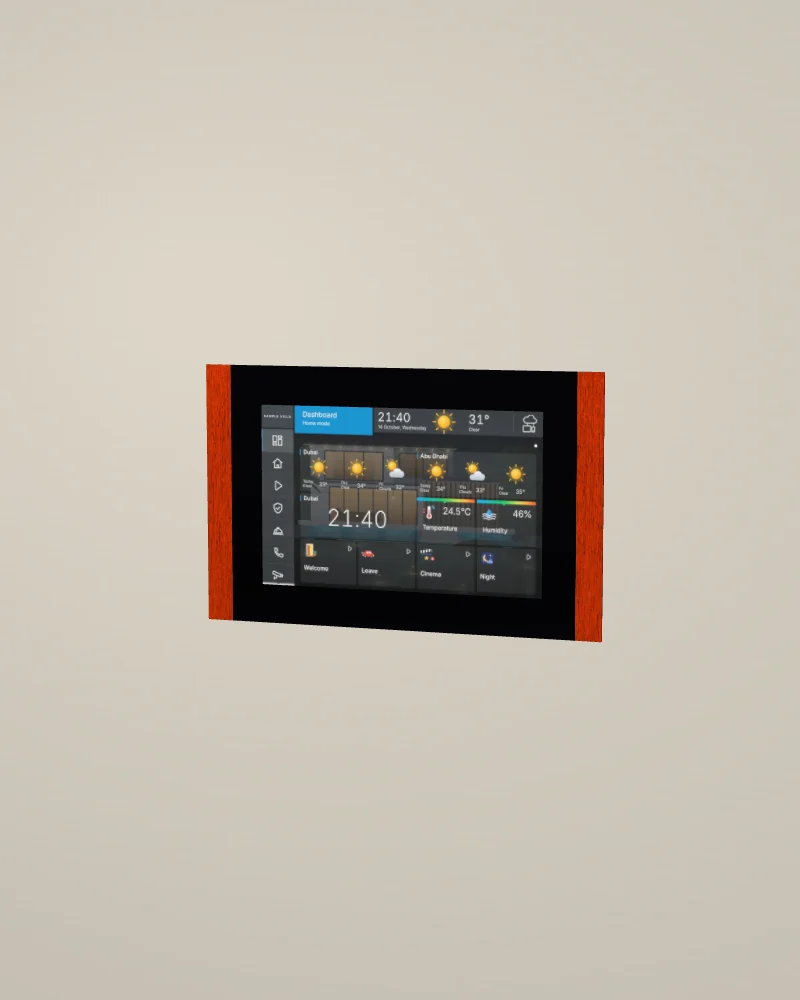
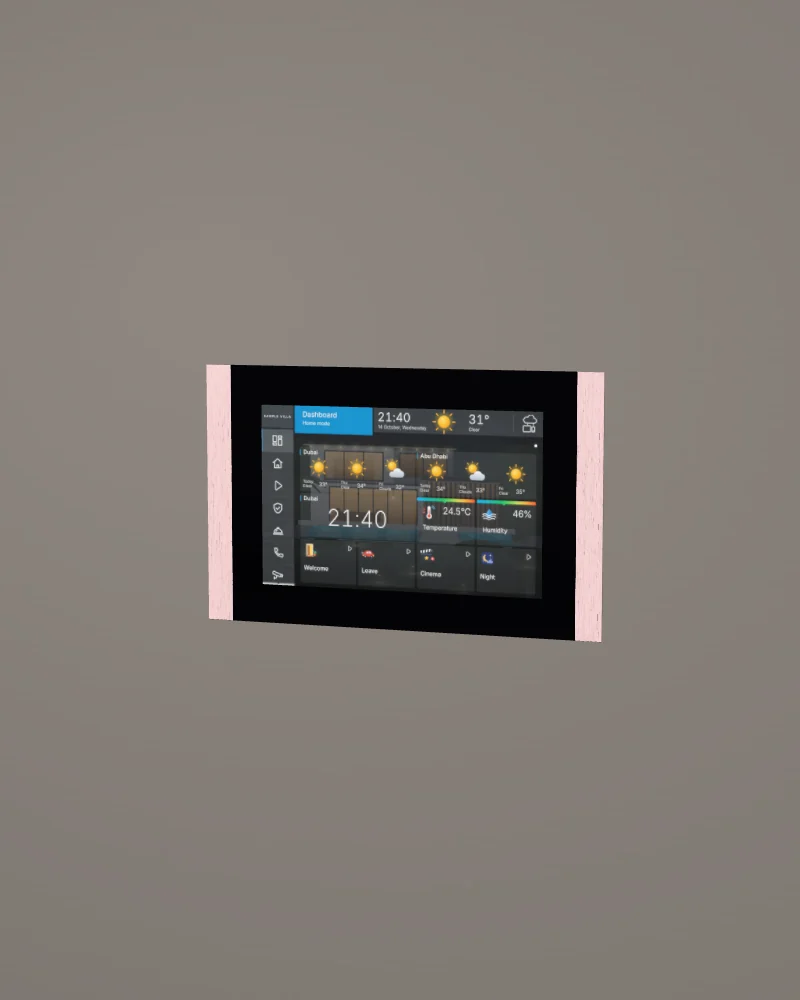
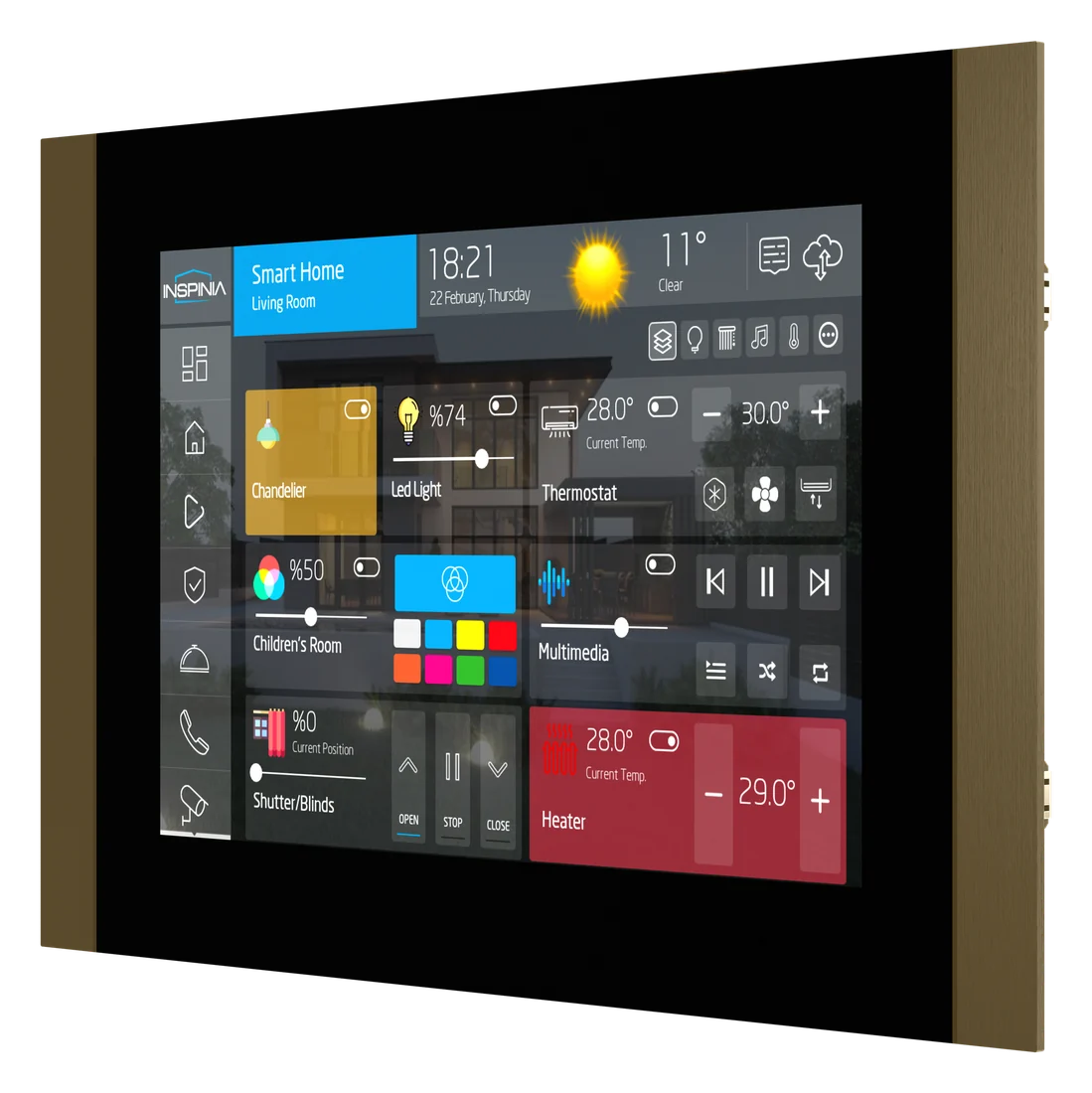
No photo of this finish yet. Our 3D model. Drag to turn it; double-click to put it back.
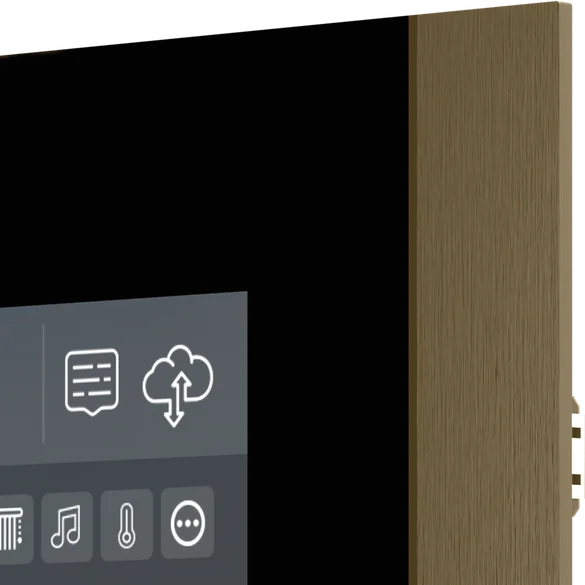
Inspinia's picture, 1 of 3: bronze, from the front.
- Screen10-inch IPS screen, 1280 × 800
- Add-on cardsAdd-on cards for KNX, Zigbee, Modbus, VRF and more
- SensorsTemperature and humidity sensors
- ColoursSeven bar colours
Design and materials
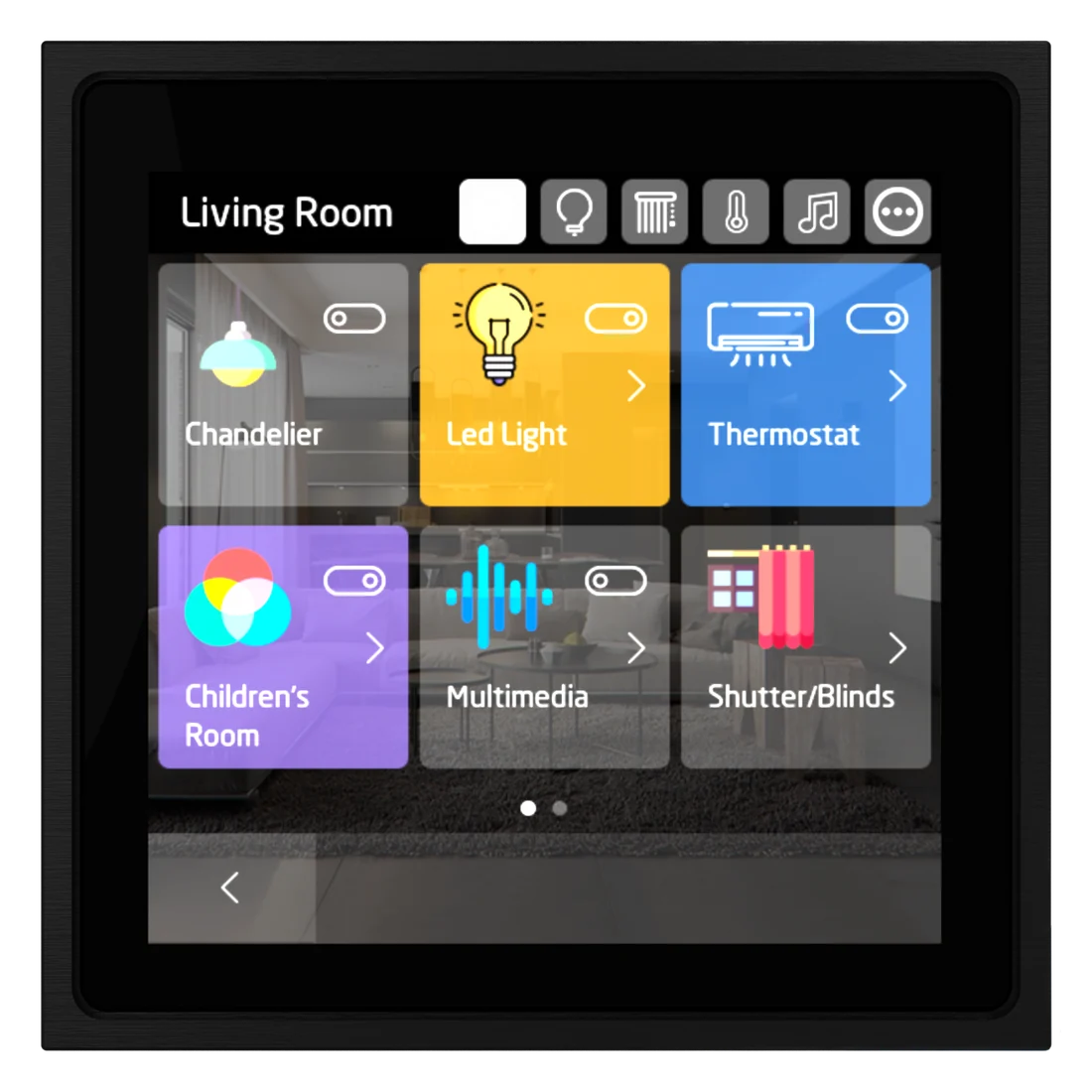
Inspinia's main home screen. It runs the lights, air conditioning, security, intercom calls and camera views. Add-on cards connect it to KNX, Zigbee, Modbus, iNELS, Bticino SCS and the main VRF air-conditioning systems. It has temperature and humidity sensors and two speakers.
No brand photo yet

Brushed metal bars
Two metal bars, one on each side of the glass, brushed along their length, as Inspinia's photos show. Inspinia does not state the metal.
Black glass
One sheet of black glass runs from bar to bar over the screen. Inspinia does not state the glass type.
Where it goes
The entrance hall or the main living area, at about 1.4 m to the centre.
Try the screen
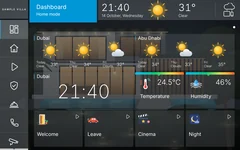
This is the 10 SQ touch panel's home screen, set up for a sample villa with eight rooms. Use it as you would on the wall. Everything you change, the rest of the screen follows.
Turn your phone sideways for a larger screen.
Demo villaThe sample villa
This is the sample villa, cut open from the front. It changes when you use the screen. Tap a room to switch its lights on or off.
Six things owners do every day
- Run the Welcome scenario.
- Open the majlis in Smart Home and dim the chandelier to about 40%.
- Give the majlis LED strip a new colour.
- Set the majlis air conditioning to 22°.
- Arm the alarm with the code 1234.
- Call the gate from Intercom and open it.
0 of 6 done
Homestat rebuilt this screen from Inspinia's interface so you can try it here. The real screen differs in detail. Your installer sets up your own rooms, names and scenes.
Specifications
01Display and system
- Screen
- 10 inch IPS, 1280 × 800, landscape
- System
- Android 7.1, Inspinia application
02Connections
- Add-on cards
- KNX, Zigbee 3.0, Modbus RS485, iNELS, Bticino SCS, VRF, IR
- Connection
- Ethernet; power by PoE 802.3at or 24 V DC
- Inputs and outputs
- 5 inputs, 2 outputs
03Intercom and sensors
- Audio
- 2 speakers, 1 microphone input
- Sensors
- Temperature and humidity
04Mounting and size
- Mounting
- Flush, in a back box
- Size
- 307 × 195 mm to confirm
- Codes
- INS10SQ.B black, .S silver, .G gold; .R red, .P pink, .N bronze, .C copper to confirm
05Finishes
- Finish 1
 Bronze
- Finish 2
 Copper
- Finish 3
 Black
Black- Finish 4
 Silver
- Finish 5
- Gold
- Finish 6
 Red
Red- Finish 7
 Pink
Pink
Sources: Inspinia's website and published documents, read on 13 October 2026. The datasheet from Inspinia replaces every to confirm.
Works with
The rest of the Inspinia range on our page.